

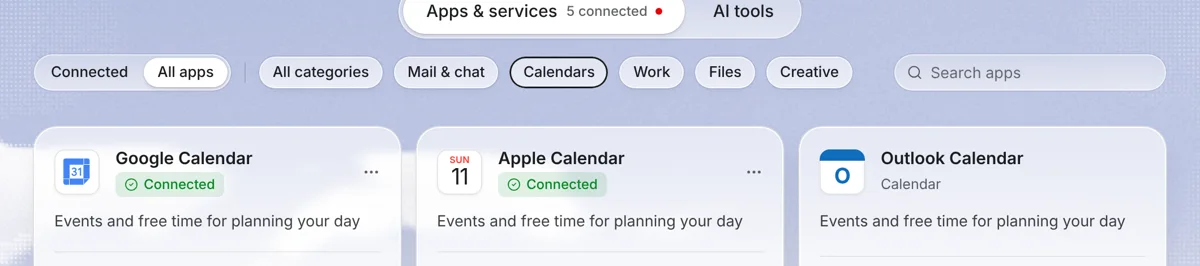
What the integration does
Apple doesn't offer a Google-style “Sign in with” button for calendar access in most third-party apps. Instead, you create a one-off password just for Needt. Needt uses it to read your iCloud events and, when you choose, to write task blocks to a calendar. Your main Apple Account password never goes to Needt.
Set it up
1. Create an app-specific password at Apple
- Make sure your Apple Account uses two-factor authentication. Apple requires it for app-specific passwords.
- Sign in at account.apple.com.
- In Sign-In and Security, select App-Specific Passwords.
- Select Generate an app-specific password, name it “Needt”, and copy the password.
Source: Apple Support: app-specific passwords.
2. Connect in Needt
- Open Settings → Calendars and choose iCloud.
- Enter your Apple Account email and paste the app-specific password.
- Pick the calendars to include, then check Calendar in Needt.
What syncs and what doesn't
| Item | Direction | Notes |
|---|---|---|
| iCloud events | iCloud → Needt | Read as busy time; not edited. |
| Scheduled task blocks | Needt → iCloud | Only when you choose to write them. |
| Apple Reminders | Not synced | Reminders is a separate app. Add those tasks to Needt directly. |
| Calendars shared with you | Usually readable | If they appear in your iCloud account. |
Revoke or rotate access
You stay in control on Apple's side. To cut Needt off, sign in at account.apple.com, open Sign-In and Security → App-Specific Passwords, and remove the “Needt” password. Needt stops reading your calendars at once. To reconnect, generate a new password and paste it in Settings → Calendars. Apple also notes that resetting your main Apple Account password revokes every app-specific password, so expect to reconnect after a password change.
Using Fastmail, Nextcloud or another CalDAV host instead? Choose the CalDAV option in the same screen and enter the server details your provider publishes.
Example workflows
Family calendar, real priorities
Alex's shared iCloud “Home” calendar has school pickup 15:00–15:45 every weekday. Alex adds “update shop listings, 45 min #Shop” and “Spanish lesson prep, 30 min #Spanish”. Needt places them 13:30–14:15 and 16:00–16:30, never on top of pickup.
See the plan on your iPhone
Write task blocks to a calendar called “Needt”. They show up in Apple Calendar and on your lock-screen widgets, while the full task stays in Needt. You can also install Needt itself as an app on iPhone; see download.
Limits by plan
| Free | Pro | |
|---|---|---|
| Connected calendars | 1 | Unlimited |
| Auto-scheduled tasks | 15 per month | Unlimited |
| Booking pages | 1 | Unlimited |
Other CalDAV servers (Fastmail, Nextcloud and similar) connect the same way and count toward the same limit.
Troubleshooting
- “Invalid credentials”. Use the app-specific password, not your Apple Account password. Paste it without spaces at the ends.
- It worked, then stopped. Changing or resetting your Apple Account password revokes all app-specific passwords. Generate a new one and reconnect.
- No option to generate a password. Turn on two-factor authentication for your Apple Account first.
- A calendar is missing. Make sure it lives in iCloud, not “On My Mac” or a local device calendar.
