
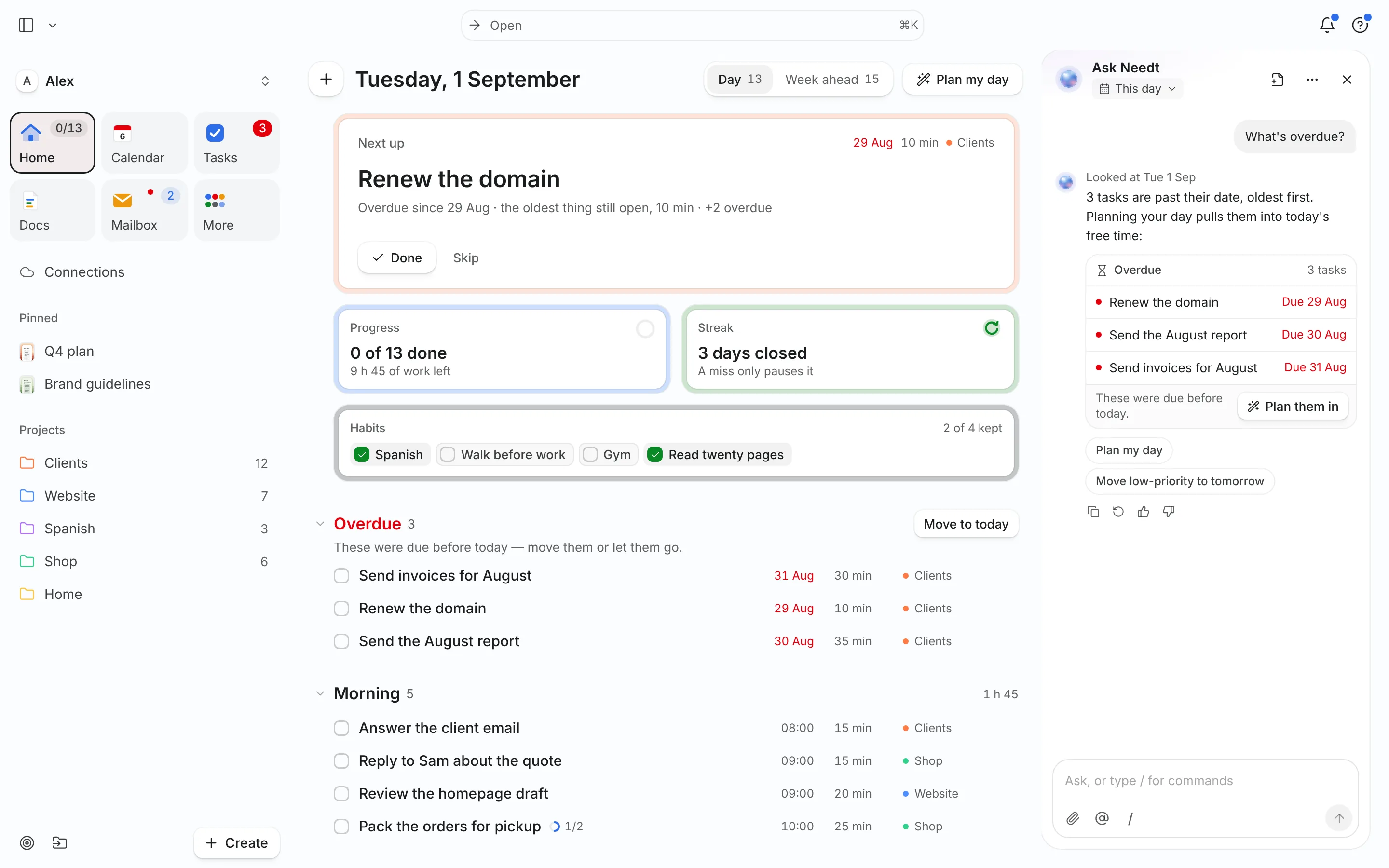
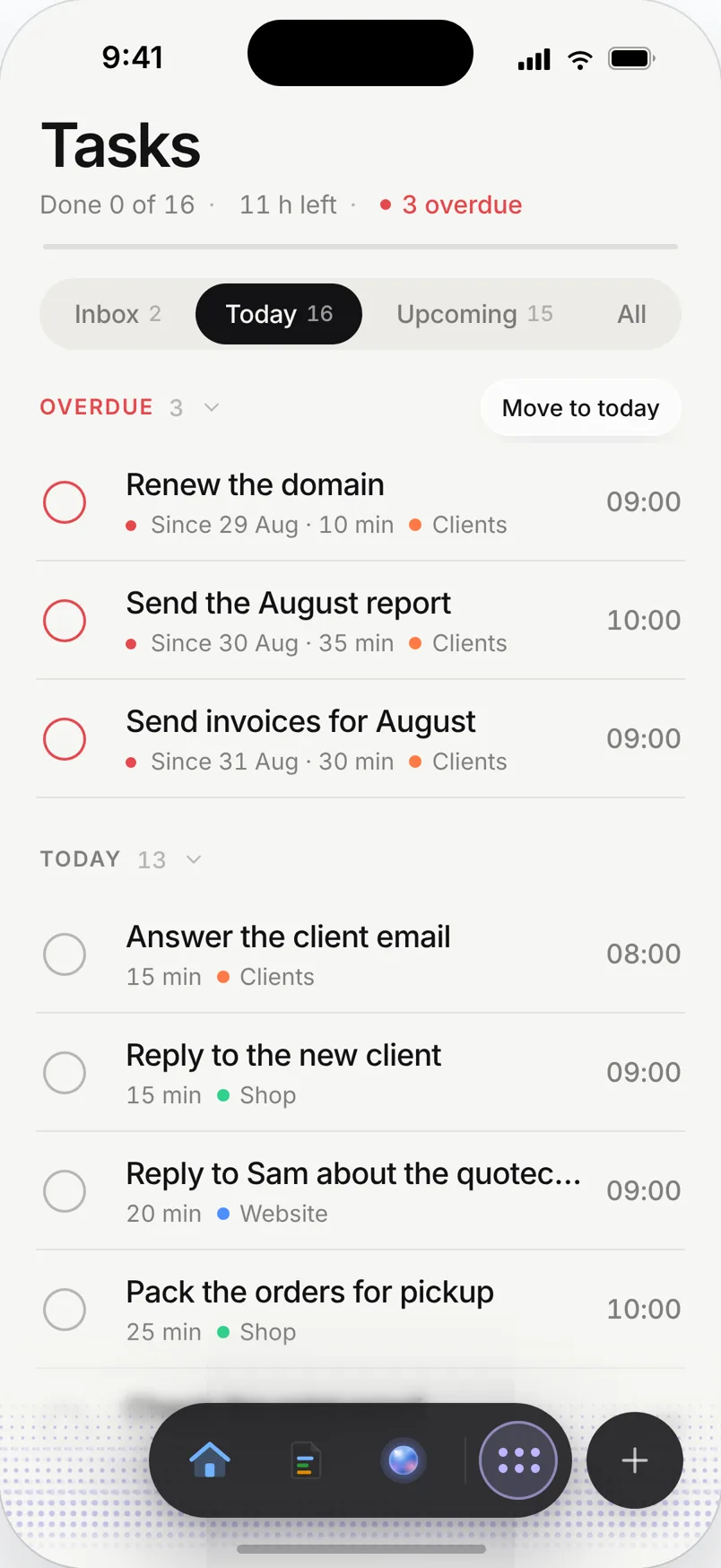
The problem: five jobs, one calendar
Monday you’re the engineer. Then a support ticket makes you the help desk, a lead replies and you’re sales, the accountant needs receipts and you’re finance. By Friday the feature you planned to ship is 30% done and you can’t say where the week went.
Nobody tells a solo founder no. Every role is urgent to someone. The only way to protect product time is to give it hours on the calendar and see what breaks when you don’t.
A week planned in Needt
Alex is building a small SaaS alone. Projects: Product, Sales, Ops.
- Mon–Thu 08:30–11:30 Product blocks: onboarding redesign, then the billing bug. High energy, first thing.
- Mon 14:00–15:00 Two customer interviews via the booking page.
- Tue 13:00–13:45 Support inbox: three emails turned into tasks, two answered on the spot.
- Wed 15:00 Investor intro call (added Tuesday night).
- Thu 14:00–15:00 Outreach: 10 personal emails to trial users.
- Fri 10:00–11:00 Ops: receipts, VAT export, renew domain.
- Fri 16:00–16:30 Weekly review and changelog draft.
When the investor call lands on Wednesday afternoon, Needt moves the outreach block to Thursday and the changelog draft to Friday, and keeps the morning product blocks untouched. Alex sees the trade before accepting it.
Founder mode
Role budgets
Projects for Product, Sales and Ops, with estimates on every task. The week view shows whether Product got 12 hours or 4.
Inbox triage
Connect your founder mailbox and support address (up to three on Pro). Turn a customer email into a task in one step.
Customer call booking
Share a booking page for interviews and demos. Calls land in free time and the plan reflows around them.
Ask the agent from anywhere
Connect Needt to Claude or ChatGPT over MCP and plan from the chat you already use: "Add ’fix billing webhook, 2h, by Thursday’ to Product."
Live in two minutes
- Sign up at use.needt.app and connect your main calendar and inbox.
- Create three projects: Product, Sales, Ops.
- Add this week’s one product goal as a task with a big estimate.
- Add five small sales and ops tasks.
- Open the week and check: does Product get the mornings?
Use the weekly review on Friday to compare planned vs. real.
Founder weeks, three ways
Launch week
Product work shrinks to bug fixes; outreach, support and the launch post grow. Add the launch as a deadline and work backward. Needt shows whether the launch-day checklist fits or needs to start a day earlier.
Fundraising weeks
Investor calls are spread across your days. Use a booking page with a few fixed windows so they cluster, and keep at least two morning product blocks per week. If those blocks disappear, you’ll see it.
Quiet build weeks
No calls. Treat it as a gift: give product four-hour blocks and batch support into one daily slot after lunch. The deep work idea fits here better than anywhere.
The Friday number
On Friday, compare planned product hours with what you actually did. One number, every week. It tells you more about the company than most dashboards.
What Needt doesn’t do
Needt isn’t a CRM, an issue tracker or a team workspace. It won’t track deal stages, manage a backlog for engineers or handle customer support tickets. Keep Linear or GitHub Issues for the backlog, a CRM such as HubSpot for pipeline, and your help desk for support. Needt decides when you work on each. When you hire, your team will still need a shared tool; Needt stays your personal plan.
Where to go next
- Ivy Lee method: six priorities a day, in order.
- Eat the frog for the product block.
- Connect Claude to your calendar via MCP.
- Needt vs Sunsama and Needt vs Akiflow.
