A planner that reschedules itself

Something always moves.

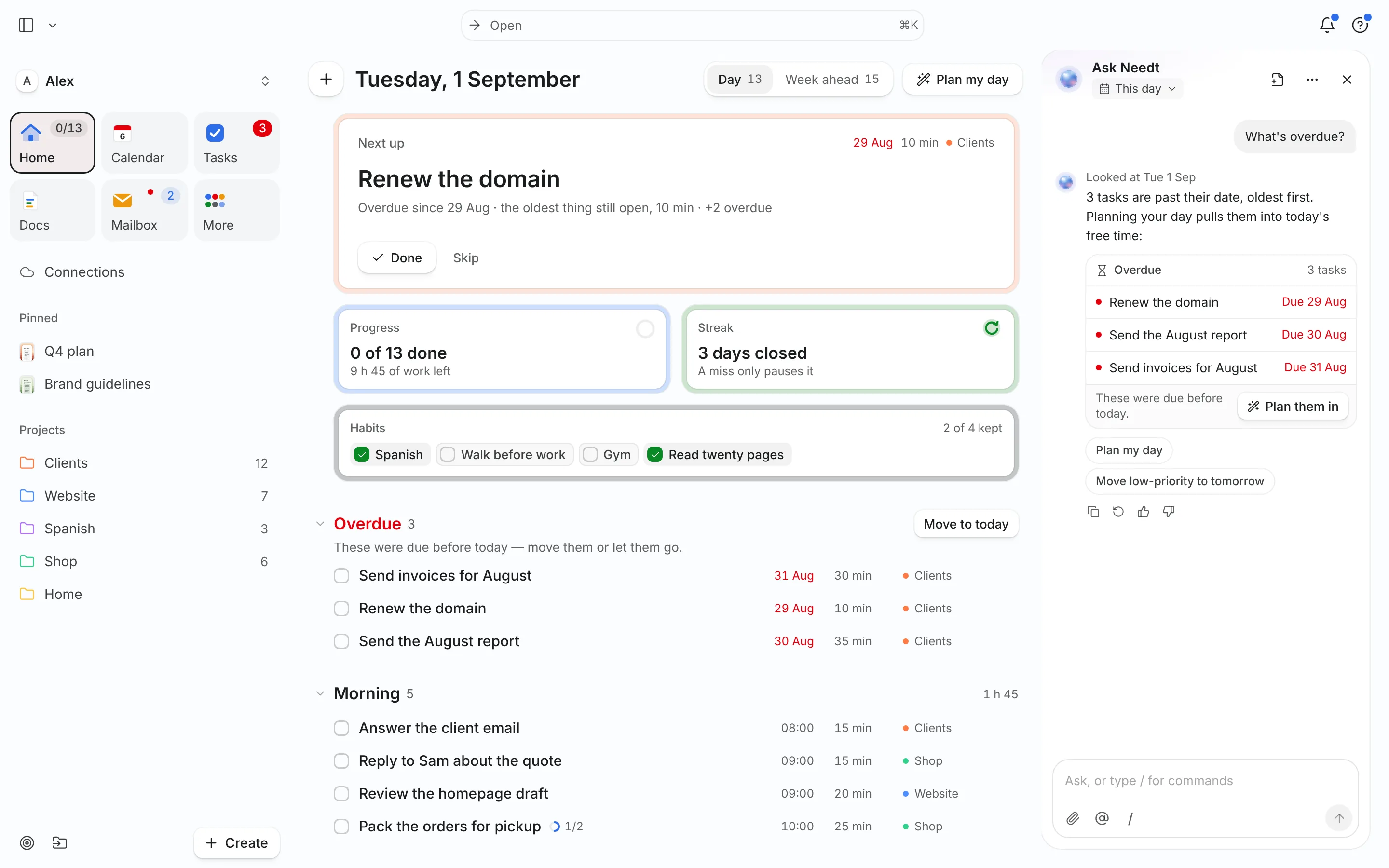
A meeting lands. A task runs long. Needt rebuilds the rest of the day around it — and shows you the day it made before you keep it.

Start my free plan

Free while it is in beta. No card.

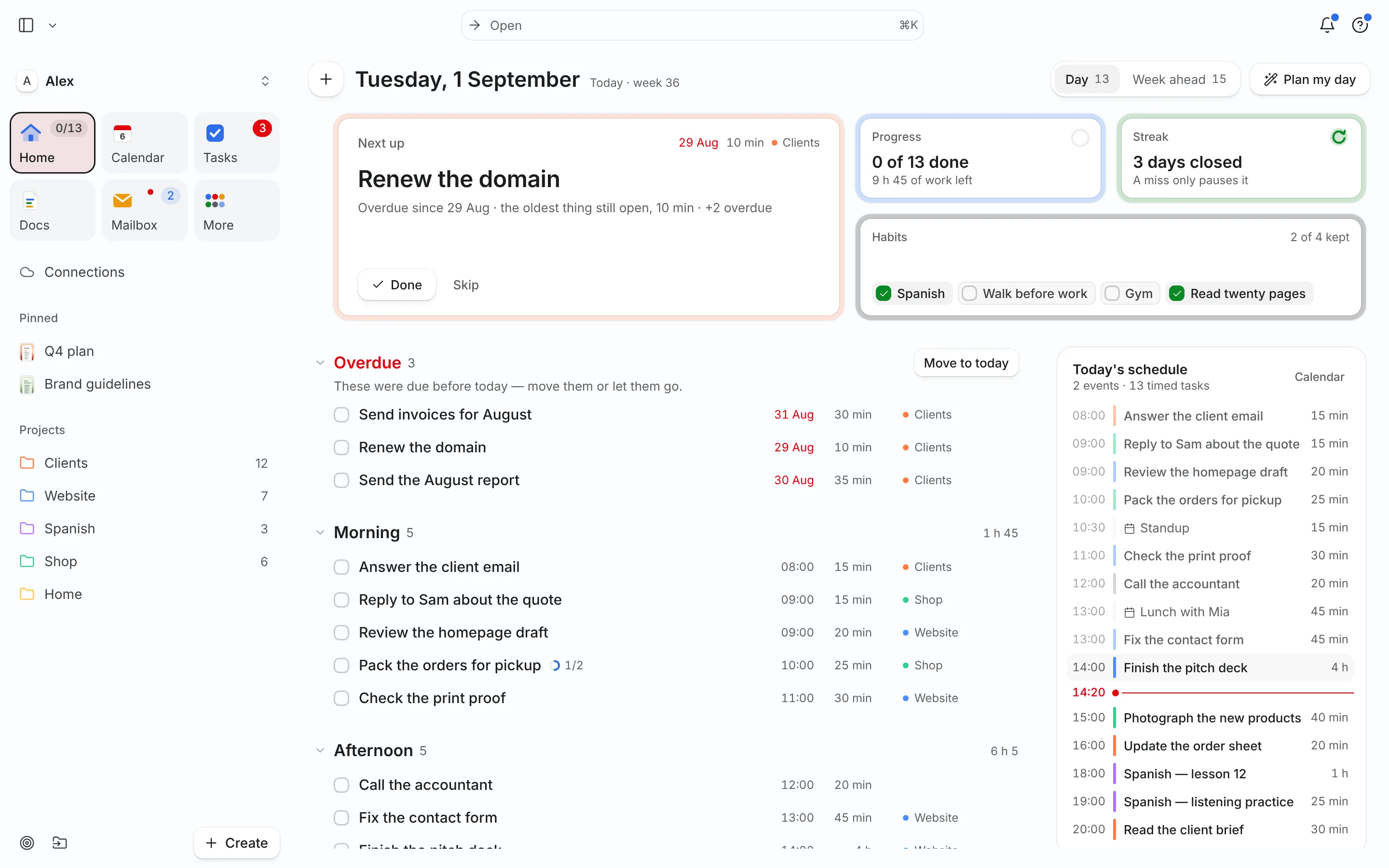
Tuesday
Your day as you left it.

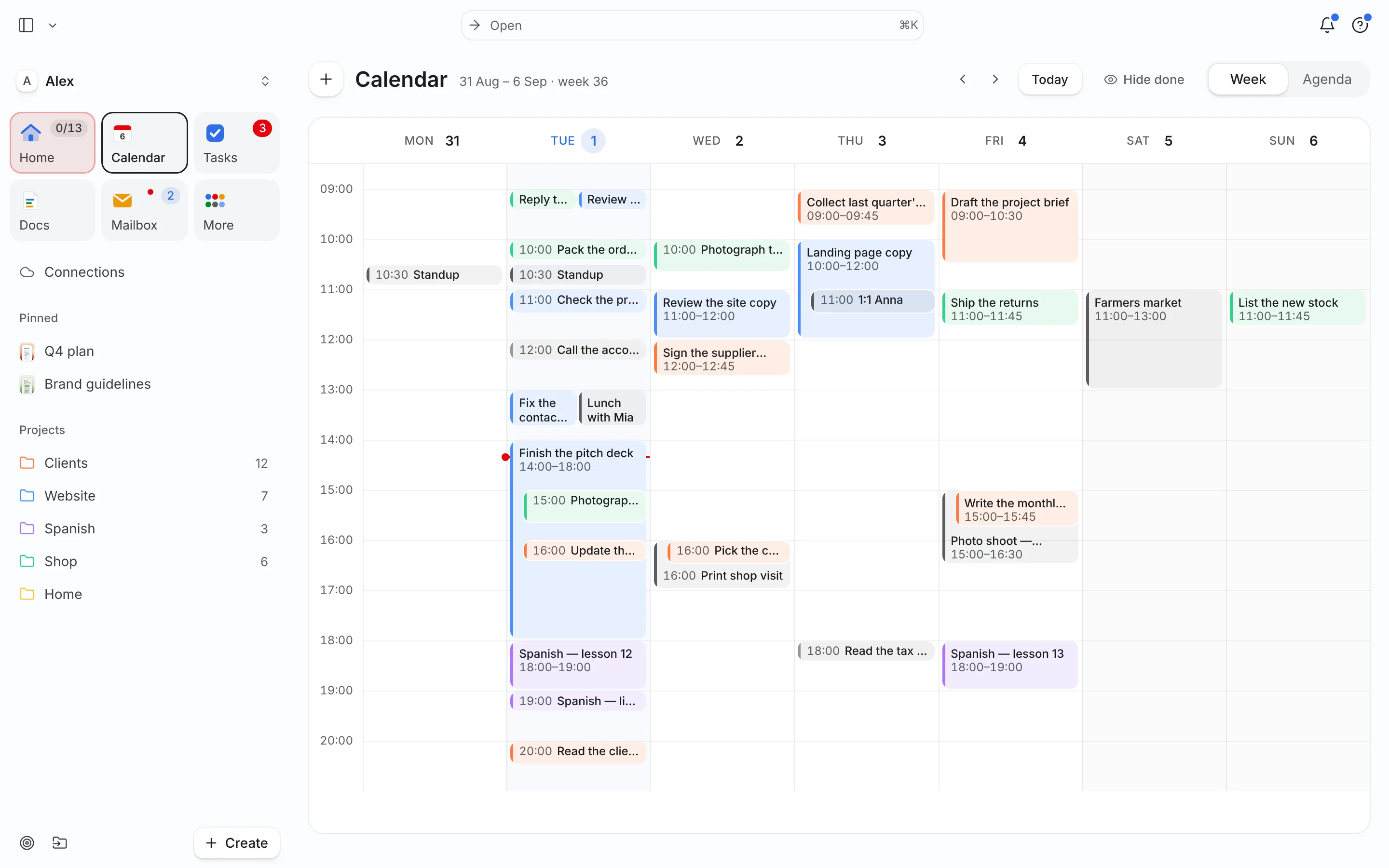
Works with the calendar you already have

It works the way a good assistant would.

01

Everything arrives in one place

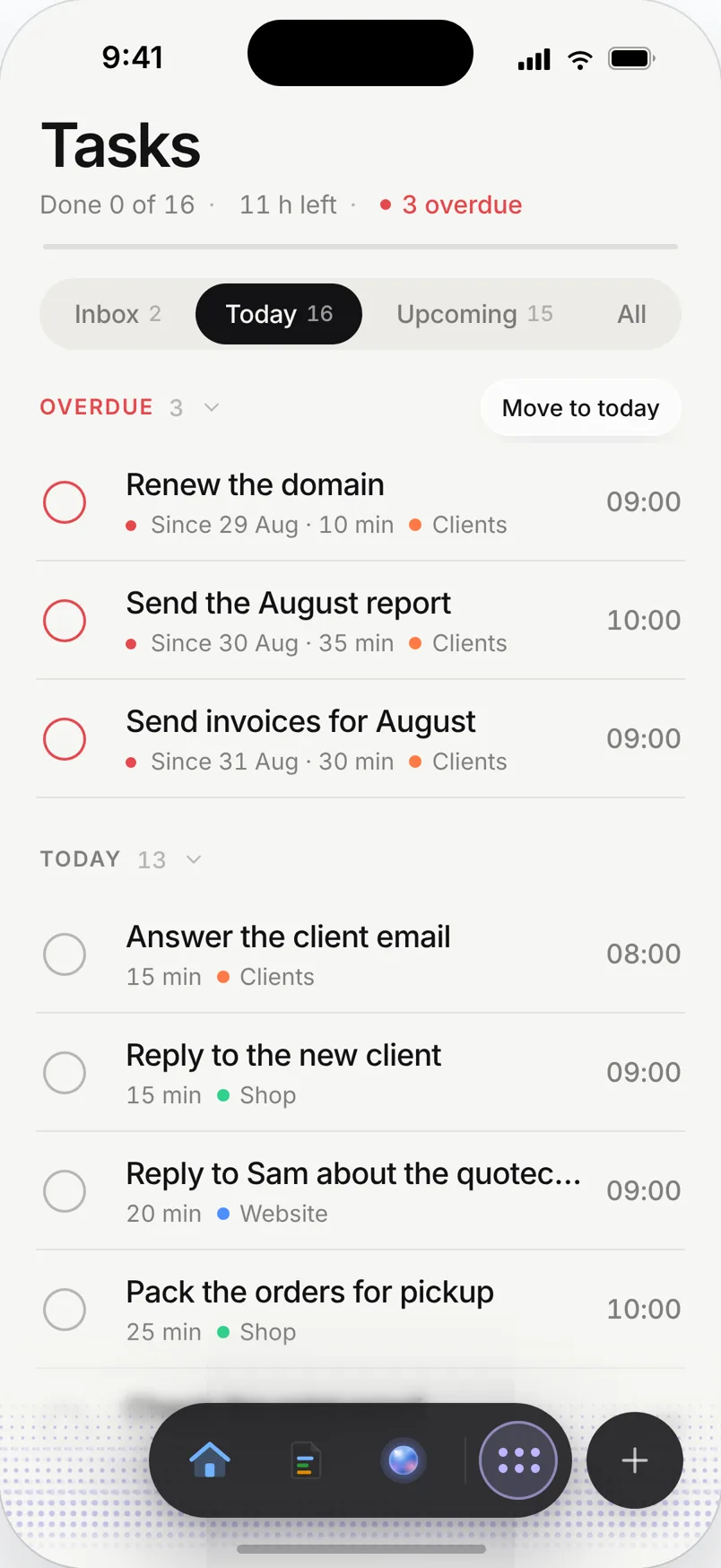
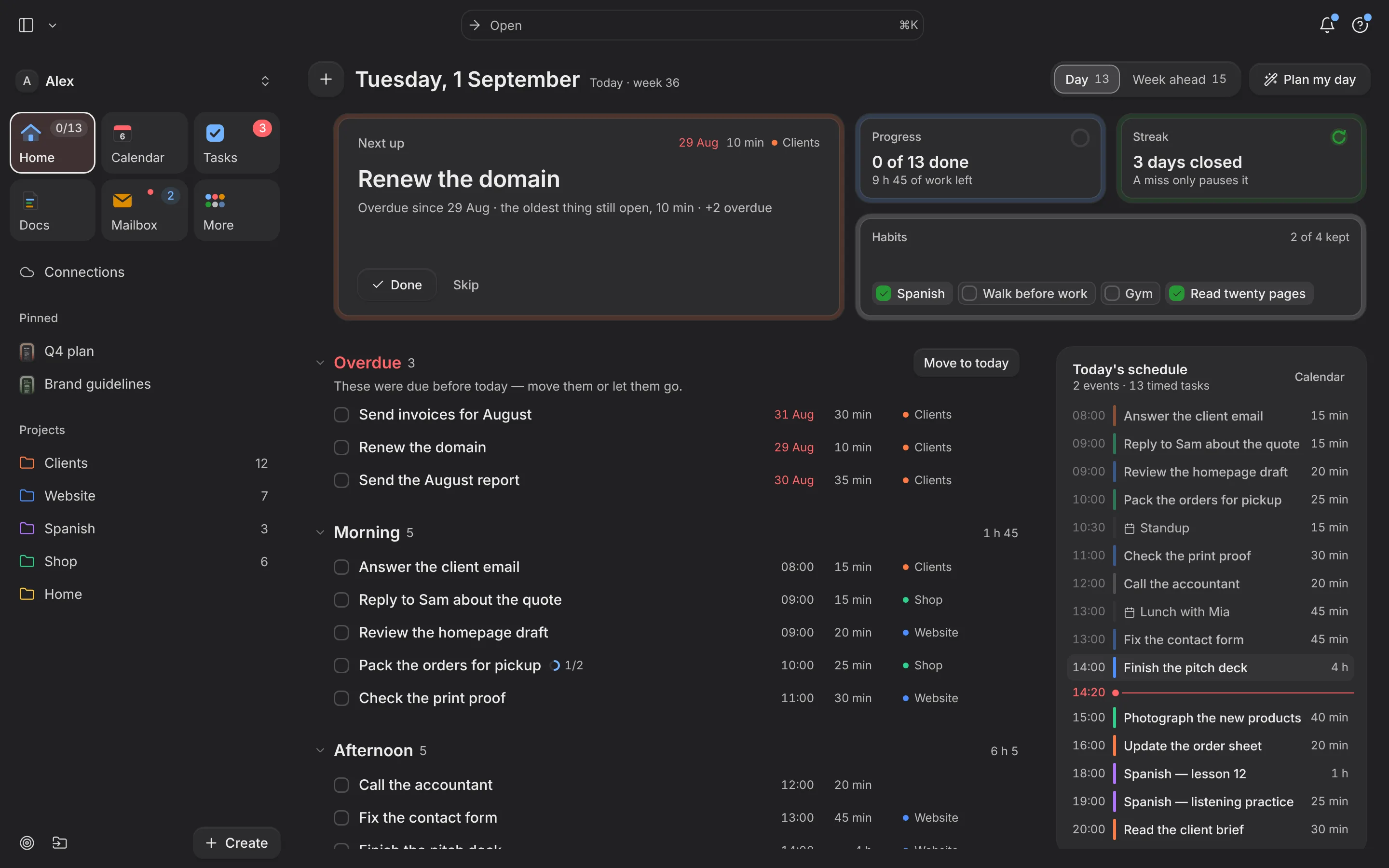
Google Calendar, Outlook and CalDAV sync into Needt and stay synced. Tasks come from your inbox, from ⌘K, or from a sentence typed anywhere. Nothing lives in a second app you have to remember to open.

02

The work gets placed, not listed

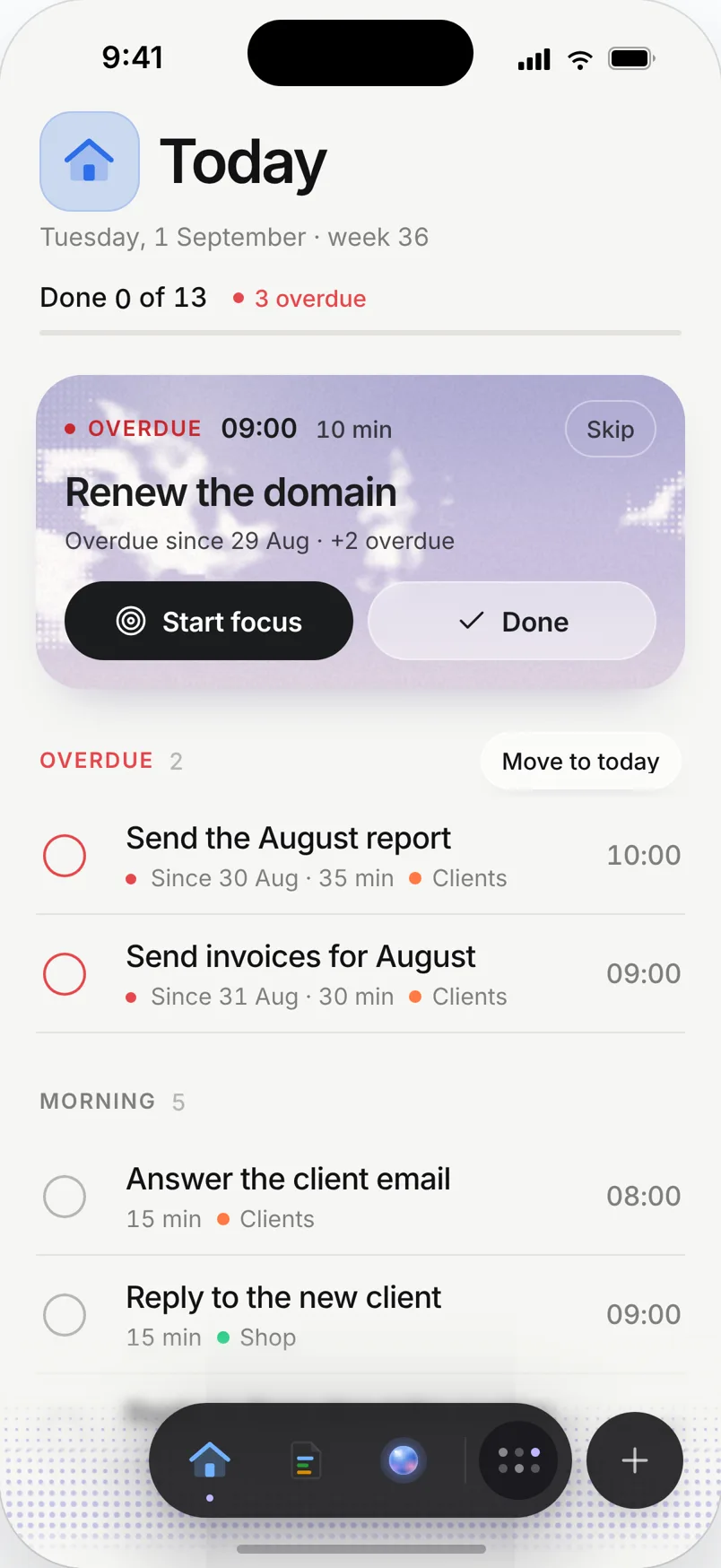
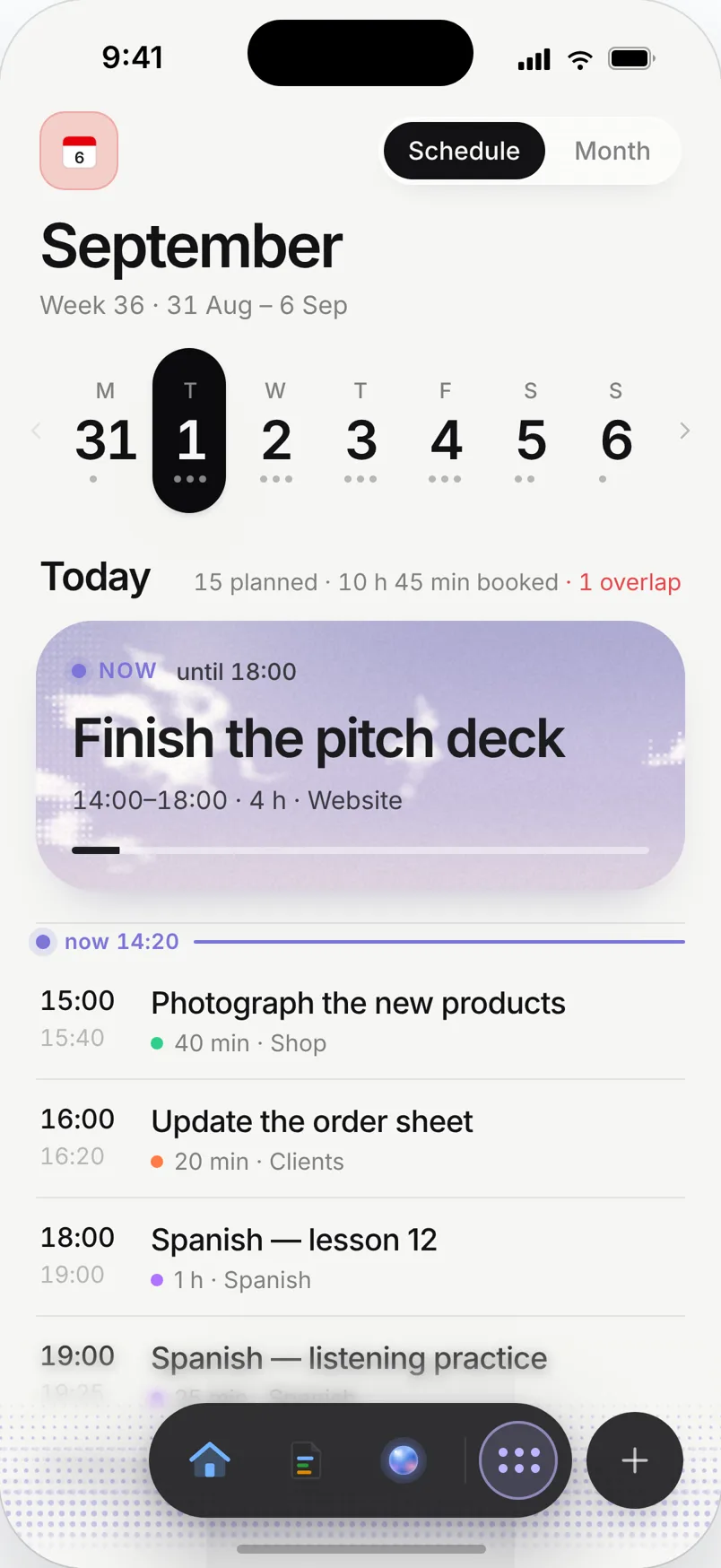
Needt reads the week you actually have — meetings, working hours, the buffer you need between things — and puts each task in a slot where it fits. A list tells you what is undone. A schedule tells you when.

03

You see the day before you keep it

Every reschedule is shown as a proposal: what moved, where it went, what stayed put. Keep it, or undo it and the day snaps back. Nothing is rearranged behind your back.

GGoogle Calendar
OOutlook
CCalDAV
@Task from email
Command palette
+Quick add
09:00 — Standup · fixed
10:00 — Landing copy
11:30 — open · 30 min
12:00 — Lunch · fixed
14:00 — Ship pricing page
15:30 — open · 60 min
16:30 — 1:1 with Kim · fixed
Ship pricing page 14:0015:00
Invoices 15:3011:30
1:1 with Kim 16:30 · unchanged

The agent

Not a chat box bolted onto a calendar.

Twenty-two tools that act on your real schedule, your real pages and your real inbox — and one that remembers when you correct it.

Turns a paragraph into a week

Dump everything you are carrying in one message. It comes back as separate tasks, sized, and placed in slots that exist.

parse_brain_dump create_task auto_schedule query_schedule

Moves things, and asks first

Edits, reschedules and deletions that change your day require confirmation. The proposal is shown before anything is applied.

edit_task delete_task manage_projects

Reads your inbox, never sends

Search locally synced mail, open one message, turn it into a scheduled task. It has no ability to send anything on your behalf.

search_mail get_message create_task_from_email

It remembers what you correct

Correct it once and it keeps the correction. Never schedule deep work before ten. Always leave thirty minutes after a call. The kind of thing you should not have to repeat, and here you do not.

“Don't put anything before 10am on Mondays.” remembered · applied to every reschedule since

remember forget list_memories

Runs focus, reports honestly

Start a session against a block that already exists, stop it, and read the week back — time actually spent, not time intended.

start_focus_session stop_focus_session get_focus_stats

Writes into your pages

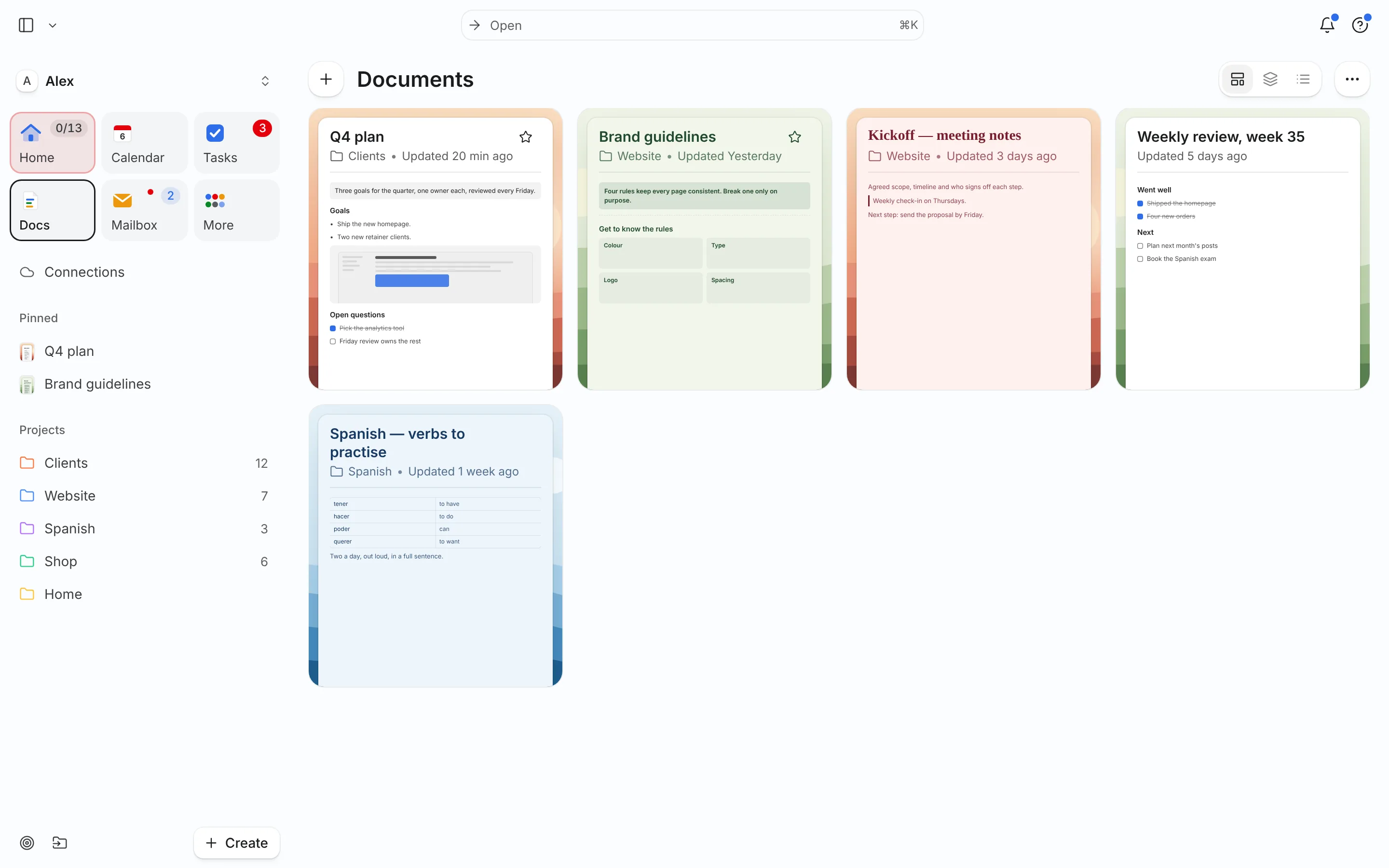
Finds the right document, proposes the edit, and waits. Your notes are never rewritten without you seeing the change first.

list_pages search_pages propose_page_changes
Bring your own model
Needt hosted Anthropic OpenAI Grok GLM Custom endpoint MCP server

Inside

The rest of the week lives here too.

Boards

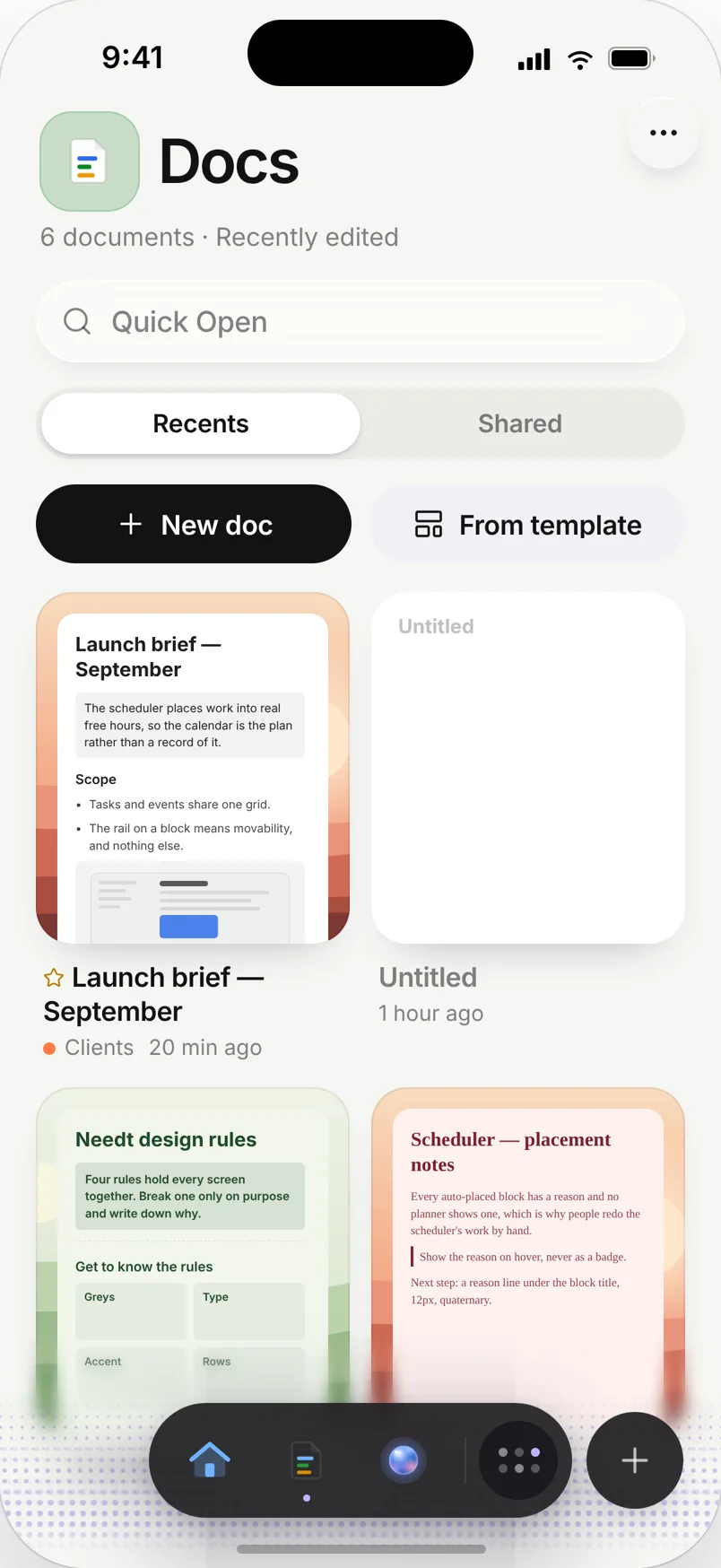
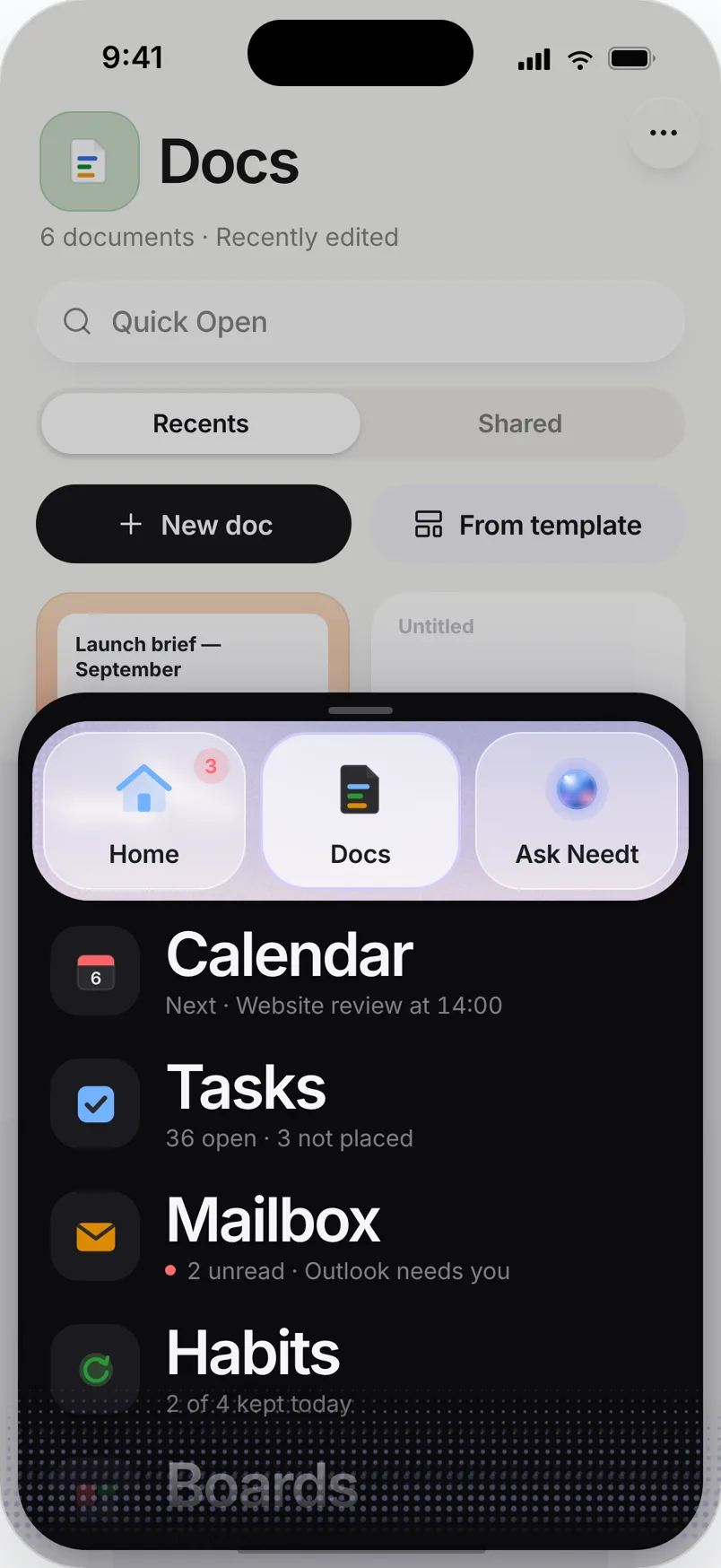
Custom columns, drag and drop, saved views — and documents in the same workspace. A task on a board is the same task on your calendar, not a copy of it.

Launch
To do
Pricing copy
Outreach list
Legal review
Creem products
Doing
Ship pricing page
Landing copy
Agent memory
Done
Domain + DNS
Calendar sync
Outlook app
Focus

Not a separate screen. The block you chose grows, the rest of the day dims, and the timer runs against the slot that was already there.

Focus · 68%
41:12
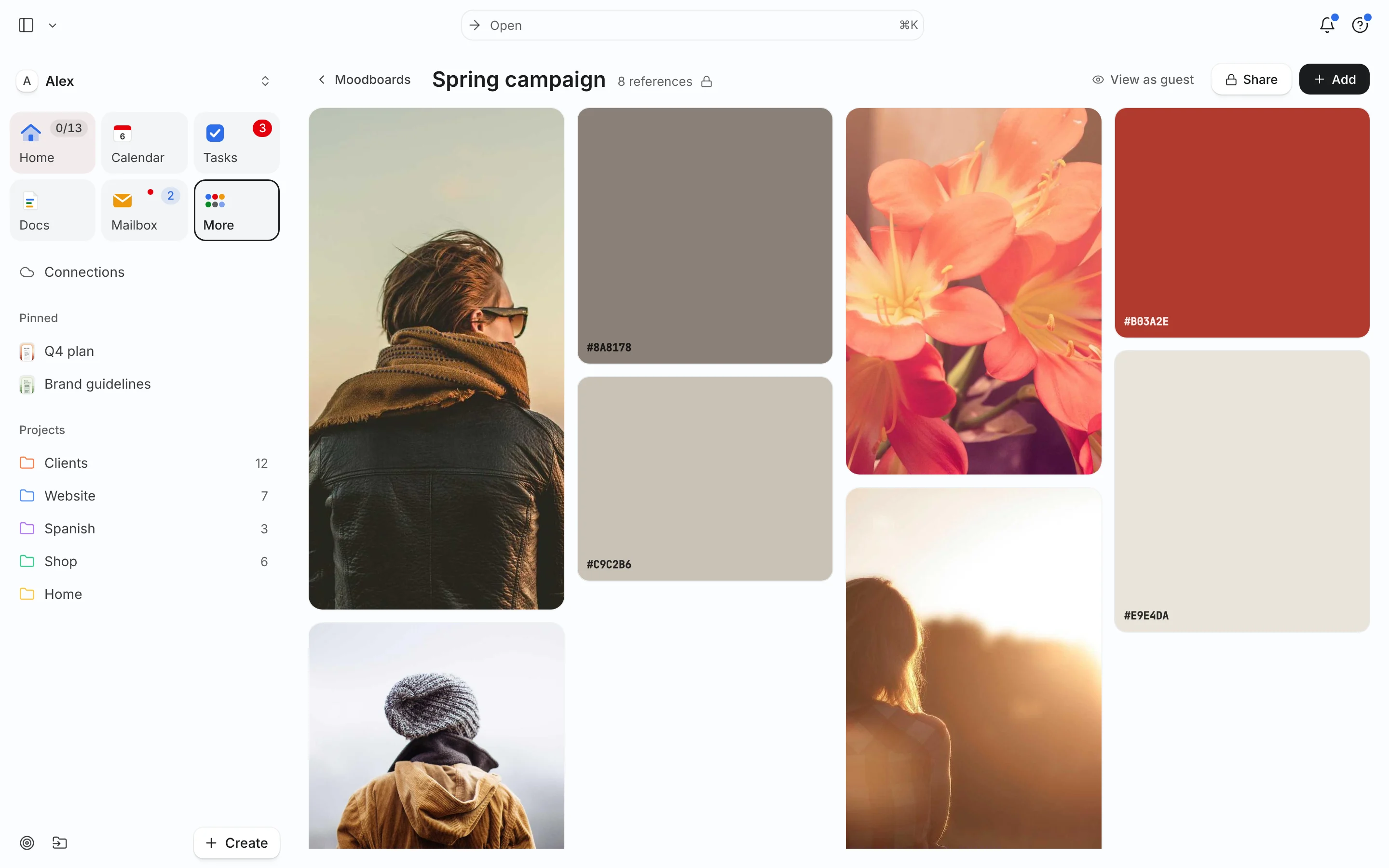
Moodboards

References, sketches and screenshots on a full Excalidraw canvas that belongs to the project it came from — not to a tab you lose by Thursday.

Identity
Command palette

Create, schedule, jump, search, reschedule. Every action has a keystroke, because a planner you have to click through is a planner you stop opening.

⌘K
Schedule⌘K
Auto-schedule this weekenter
Move Ship pricing page⌘M
Start focus⌘F
New task from email⌘E
Jump to Today⌘1
Open moodboard⌘B

Pricing

Cheaper than the hour it saves.

One boundary, not three. Free is a real product you can stay on. Pro removes the limits.

Free $0 forever Pro $6 per month · $60 a year
Calendars connectedGoogle, Outlook, CalDAV One Unlimited
Auto-scheduled tasksPlaced around your real week 15 a month Unlimited
Reschedule previewSee the day before you keep it Included Included
BoardsColumns, drag and drop, saved views One Unlimited
PagesDocuments in the same workspace Three Unlimited
Real-time collaborationTwo people in one document Included
MoodboardsInfinite Excalidraw canvas Included
Focus timerSessions against real blocks Included Included
Focus statsTime spent, week by week Included
The agent22 tools on your real data Limited Full
Agent memoryIt keeps your corrections Included
Bring your own modelAnthropic, OpenAI, Grok, GLM, custom Included
Inbox → taskRead-only mail, never sends Included
Command palette⌘K on every action Included Included
MCP serverPoint your own agent at Needt planned planned
Start my free plan Start my trial14 days · no card
$79$149
Lifetime — first 100 people Everything in Pro, permanently, for one payment. Not a different product — the same one on a different payment schedule.
Buy once

Reasonable questions.

Does it move things without asking?

No. Every reschedule is shown as a proposal first — what moved, where it went, what stayed put. You keep it or you undo it. The same rule applies to the agent: anything that edits, deletes or changes your working hours requires confirmation.

Can the agent send email as me?

It cannot. Mail access is read-only by design — it can search your locally synced messages, open one, and turn it into a task. There is no tool in the catalogue that sends anything.

Do I have to use your AI?

No. Needt works as a planner with the agent switched off. If you do want it, you can use the hosted model or point Needt at your own Anthropic, OpenAI, Grok, GLM or custom endpoint — your key, your bill, your data going where you chose.

What happens to my calendar?

Needt syncs it into its own database and works on that copy, so the app stays fast and keeps working when a provider is slow. Events you did not create in Needt are never rewritten — they are the fixed points the rest of the day is arranged around.

Why is there no free trial on Free?

Because Free is not a trial. One calendar, fifteen auto-scheduled tasks a month, a board and the focus timer, with no expiry. Pro is for when the limits start to hurt, and it has a fourteen-day trial without a card.

Is my data used to train anything?

No. Your schedule, pages and mail are yours. When you bring your own model key, requests go straight to that provider under your account and their terms.

Who is behind it

M

Needt is built by one person. I made it because every planner I tried asked me to maintain it — to re-sort the list when a meeting landed, to decide again what fits before lunch. That is the work I wanted the tool to do.

It is early. Some of it is rough, the roadmap is public, and if you write to me you get me, not a ticket queue. That is the trade: you are not buying a finished thing from a company, you are getting an unfinished one from someone who uses it every day and answers.

Maksym · Switzerland hello@needt.app
Start my free plan no card