
The problem: deadlines cluster
Week 7. A lab report due Monday, a 2,000-word essay due Wednesday, a statistics problem set due Thursday and a midterm on Friday. Each one has its own portal, the timetable lives in another app, and your shift at the café is in a group chat.
The syllabus told you about all of it in September. What it didn’t tell you is that you’d need about 14 hours of work in a week where you have maybe 11 free. You only find out on Sunday night.
A due date answers "when". It doesn’t answer "when do I actually work on it". That’s the part Needt fills in.
A week planned in Needt
Alex studies Spanish and business. On Sunday, Alex adds four things:
- "Lab report, 3h, due Mon 9:00 #Bio"
- "Essay on market entry, 6h, due Wed 23:59 #Business"
- "Stats problem set, 2h, due Thu #Stats"
- "Spanish midterm revision, five 1-hour sessions, by Fri #Spanish"
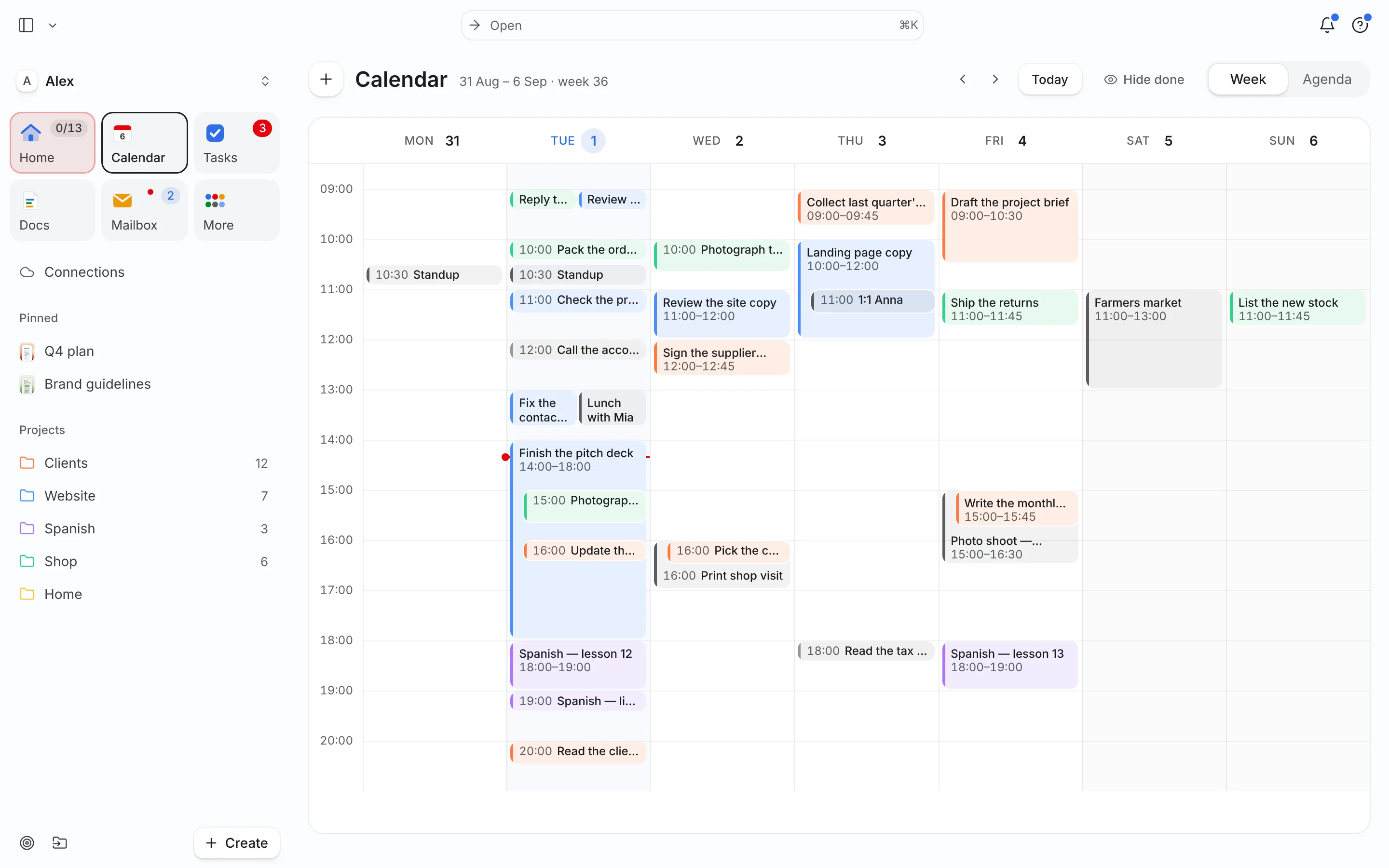
Needt reads the class timetable from the connected calendar and places sessions in the gaps: the lab report Sunday 14:00–17:00, the essay as three 90-minute steps (outline, draft, edit) on Monday, Tuesday and Wednesday between lectures, the problem set Wednesday afternoon, and the five Spanish sessions spread across the week. Alex asked the agent to split the essay and revision into separate tasks; the scheduler did the rest. Not one five-hour cram on Thursday night.
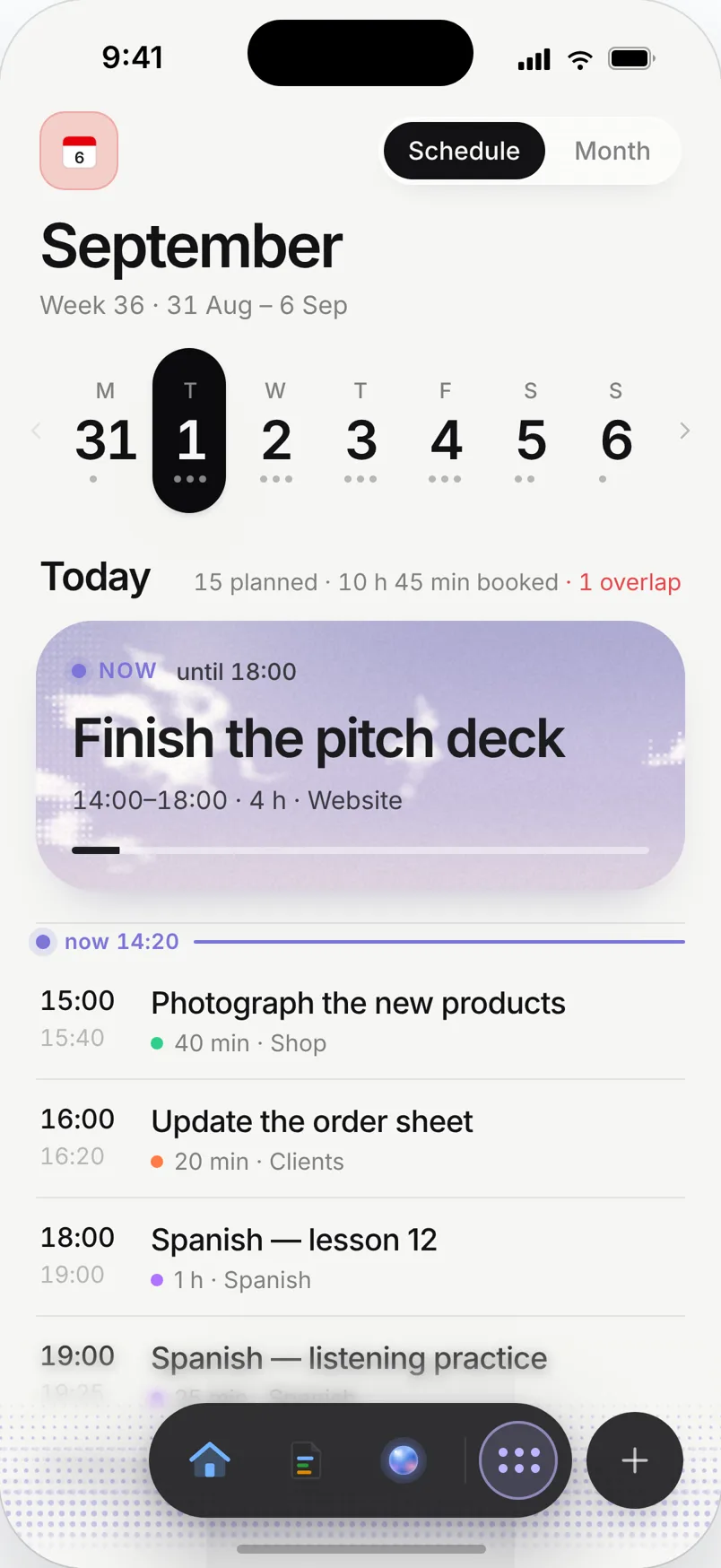
On Tuesday a seminar runs late and a study group gets added at 16:00. Needt shows that the essay session moves to 18:00. You confirm and keep going.
Built for the semester
Assignment planner
Every assignment gets an estimate and a deadline. Break long work into steps, by hand or by asking the agent, and Needt places each step before the due date, ordered by deadline and priority.
Class-aware study blocks
Lectures, labs and shifts from your calendar are blocked out. Study sessions only go into real free time.
Notes next to the task
Keep lecture notes and reading lists in Docs, link them to the project, and open them from the study block.
Study streaks
Use Habits for daily vocab or a morning reading slot, and Focus sessions to see how much deep study you actually did this week.
Live in two minutes
- Sign up at use.needt.app with your school or personal email.
- Connect the calendar that holds your timetable: Google, Outlook, iCloud or CalDAV.
- Create a project per course: Bio, Business, Stats, Spanish.
- Add your next three assignments with an estimate and due date.
- Open the week view and check the sessions Needt placed.
Not sure how long an essay takes? Start with one hour per 500 words and correct it after the first one. The planning fallacy is real for everyone.
Three semester moments
Group project with a fixed meeting
Your group meets Thursdays at 17:00. Put it in the calendar once and Needt plans your share of the work before it: "slides for section 3, 2h, due Thu 16:00".
Reading that never ends
A 200-page reading list for a seminar is easier as eight tasks of 25 pages, 45 minutes each. Ask the agent to split it and spread the chunks over two weeks, so the reading is done before the seminar, not skimmed on the train.
Exam period
Three exams in eight days. Add each exam as an event and the revision sessions as tasks with that exam as the deadline. Use the 1-3-5 list on the worst days: one big revision block, three medium ones, five small chores.
Sunday reset
Fifteen minutes on Sunday: check next week’s deadlines, add anything new from the course pages, and look at the week view. If Thursday is red, move something now.
What Needt doesn’t do
Needt doesn’t connect to Canvas, Moodle or Blackboard, so it won’t pull assignments from your school’s portal. You add them yourself, which takes about ten seconds each. It isn’t a flashcard app or a reference manager either. Keep Anki for spaced repetition and Zotero for citations; use Needt to make time for both.
There’s also no group-project board for your team. Needt is a personal planner. Share a moodboard if you need to, but keep shared task lists in whatever your group already uses.
Where to go next
- Weekly planner template for exam weeks.
- Eisenhower matrix when everything feels due at once.
- Pomodoro technique for revision sessions.
- How to plan your week in 15 minutes on Sunday.
