
The problem: a calendar of dates, not work
Your content calendar says "Tuesday: video". It doesn’t say that the video needs a 2-hour script, a 3-hour shoot that depends on daylight, 5 hours of editing and 40 minutes of thumbnails and captions. So Monday night you’re editing, and the short-form clips you promised never get cut.
Add brand deals with their own deadlines, comment replies and the ideas you have in the shower and never write down, and the calendar becomes a list of things you’re behind on.
A week planned in Needt
Alex publishes one long video a week and three short clips, plus a sponsored post this month.
- Monday 10:00–12:00 Script: "I tried planning with AI for 30 days".
- Tuesday 09:00–12:00 Shoot A-roll. Fixed block, morning light.
- Tuesday 14:00–17:00 Edit pass 1. Needt placed it after the shoot because it depends on it.
- Wednesday 10:00–12:00 Edit pass 2 + sound.
- Wednesday 15:00–15:40 Thumbnail and title options.
- Thursday 11:00–12:30 Cut three shorts from the long video.
- Thursday 16:00–16:30 Sponsor draft review, due Friday.
- Friday 17:00 Publish.
On Tuesday it rains. Alex moves the shoot to Wednesday morning. Needt pushes both edit passes, keeps the sponsor deadline and shows that Thursday’s shorts slip to Friday morning. Alex sees the trade-off now, not at 23:00 on Thursday.
The creator toolkit
Production pipeline
Give each video a project with subtasks for script, shoot, edit and publish, each with an estimate. Needt schedules them in order before the publish deadline.
Content calendar that knows the hours
The week view shows publish dates and the work behind them together, so you can tell if two videos in one week is realistic.
Idea inbox
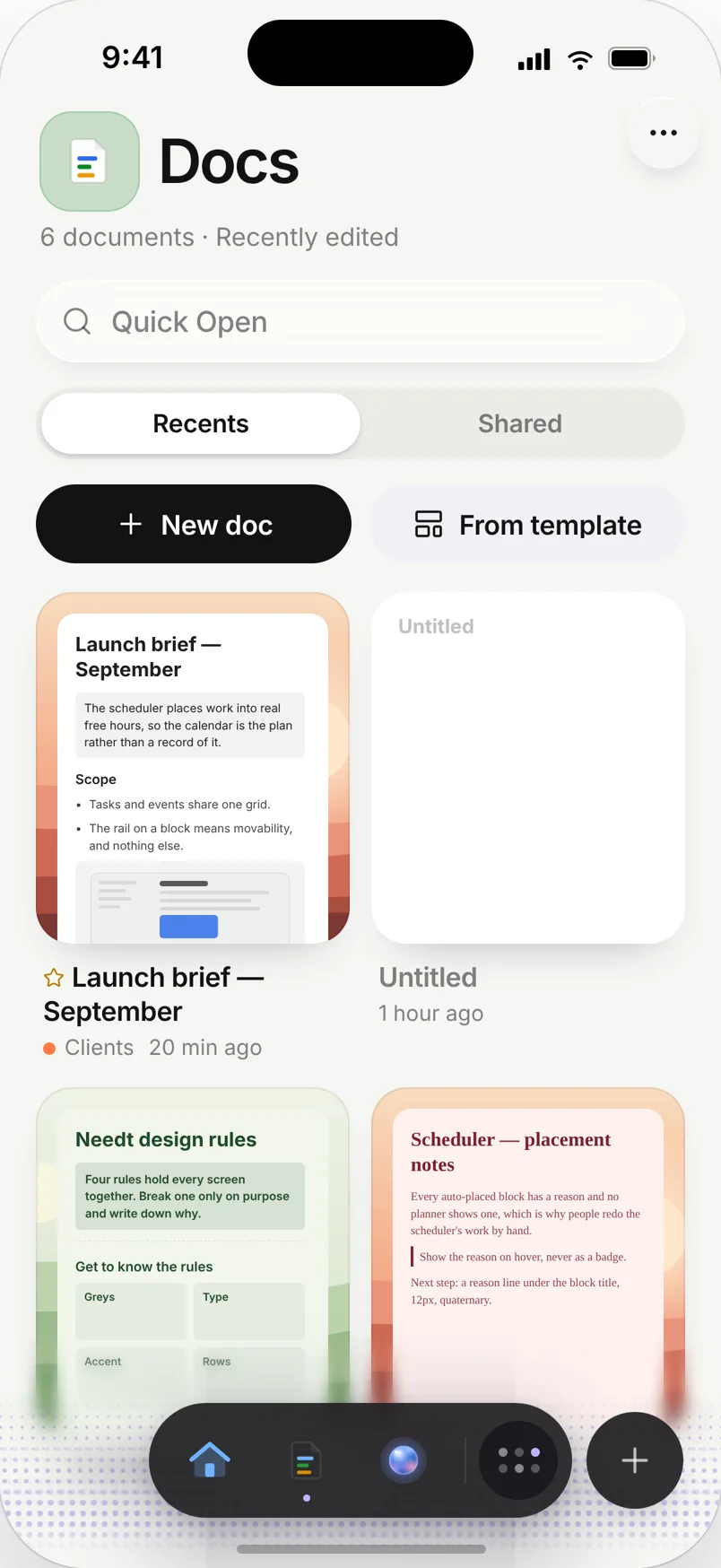
Type ideas into Needt as they come, or into a Docs database with columns for format, hook and status. Pull the best one into next week’s plan on Sunday.
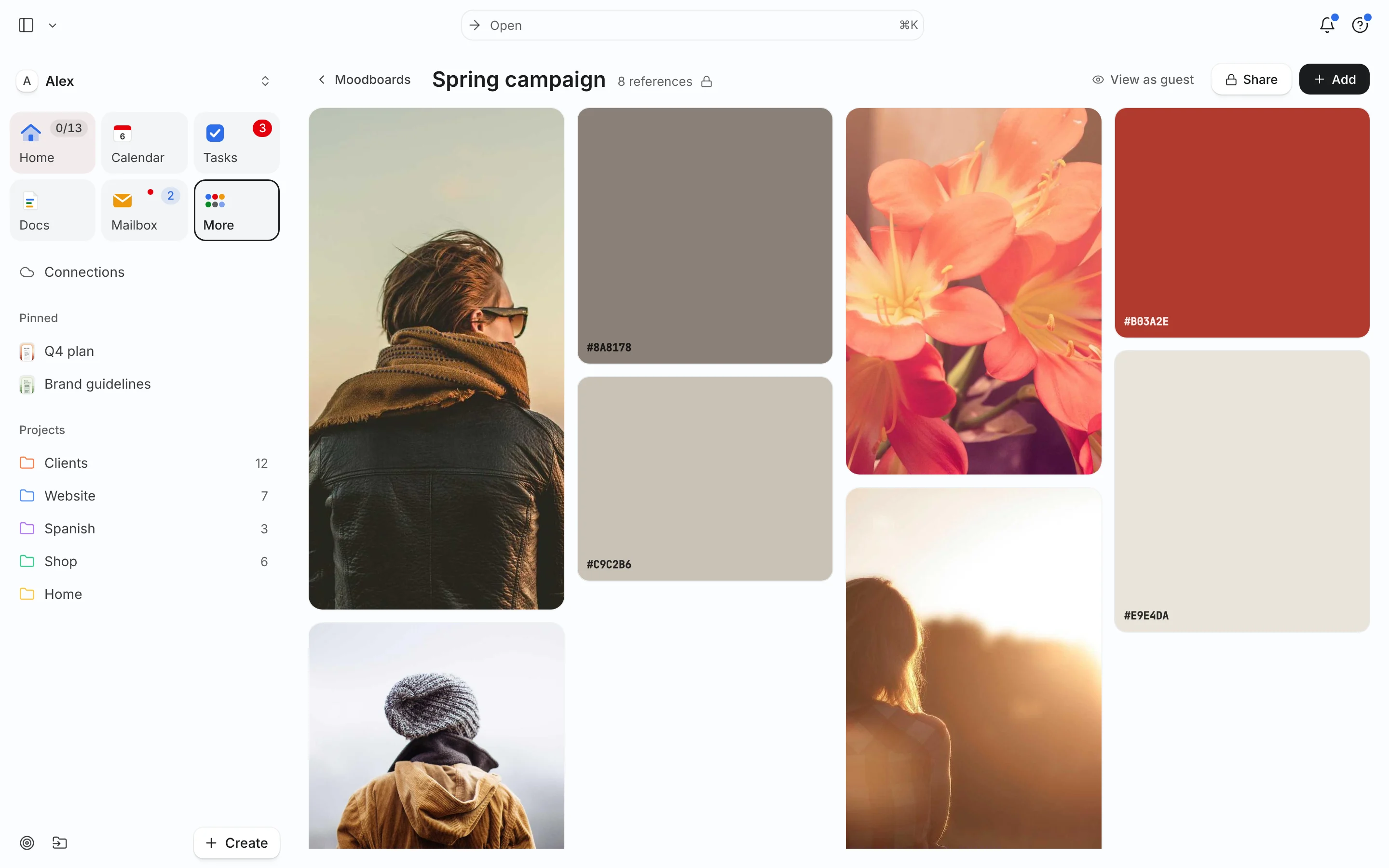
Moodboards for each series
Collect reference frames, color swatches and links on a board, or link your Pinterest board. Share it with an editor or a brand before the shoot.
Live in two minutes
- Sign up at use.needt.app and connect the calendar where your shoots and calls live.
- Create a project for this week’s main video.
- Add four subtasks: script, shoot, edit, publish, each with an estimate.
- Set the publish date as the deadline.
- Open the week view. If the edit lands at midnight, the week is too full: move something now.
Start from the content calendar template if you want a ready structure.
Planning around how creators work
Shoot days vs. edit days
Switching between filming and editing every few hours is tiring. Mark shoots as fixed events and give edits long estimates. Needt groups edit work into longer stretches on the days you’re not filming.
Brand deals with hard deadlines
Sponsor drafts and approvals have dates in a contract. Add them as High priority tasks with the contract date as the deadline. If your regular upload has to slip, Needt shows it, and you choose what moves.
Repurposing
One long video can become three shorts, a newsletter section and a carousel. Add each as a subtask under the main video project so the follow-up work is planned the week the video goes out, not forgotten.
Rest weeks
Plan a lighter week every month or so: no shoots, only scripting and ideas. Put "batch scripts, 3 videos" in that week and you start the next month ahead.
What Needt doesn’t do
Needt doesn’t post to YouTube, TikTok or Instagram, and it doesn’t show analytics. Keep your scheduler (Buffer, Later, Metricool or the platform’s own) for publishing and stats. Needt plans the work up to the publish button. It’s also not an editor or a storage drive; raw footage stays where it is.
Where to go next
- Social media content calendar for short-form batches.
- Content calendar workflow: from idea to publish.
- Moodboard template for a new series.
- Task batching: shoot three shorts in one session.
