
The problem, in your words
You know what you need to do. The trouble is the gap between knowing and starting. A list of 40 items looks the same at 9:00 and at 16:00, so nothing tells you that the dentist form takes 10 minutes and the tax return takes three hours. You start the easy thing, look up, and it’s lunch.
Then the guilt loop: one task runs over, the plan is "broken", and rebuilding it by hand feels like another task you’ll never start. Many people with ADHD describe this as time blindness. Research backs up part of it: a 2024 meta-analysis of time-perception studies found a consistent difference in how people with ADHD perceive and estimate time across the lifespan (Metcalfe et al., 2024), and an earlier meta-analysis found deficits in time estimation and production (2021 meta-analysis).
A planner can’t change how you perceive time. What it can do is put time outside your head, where you can see it.
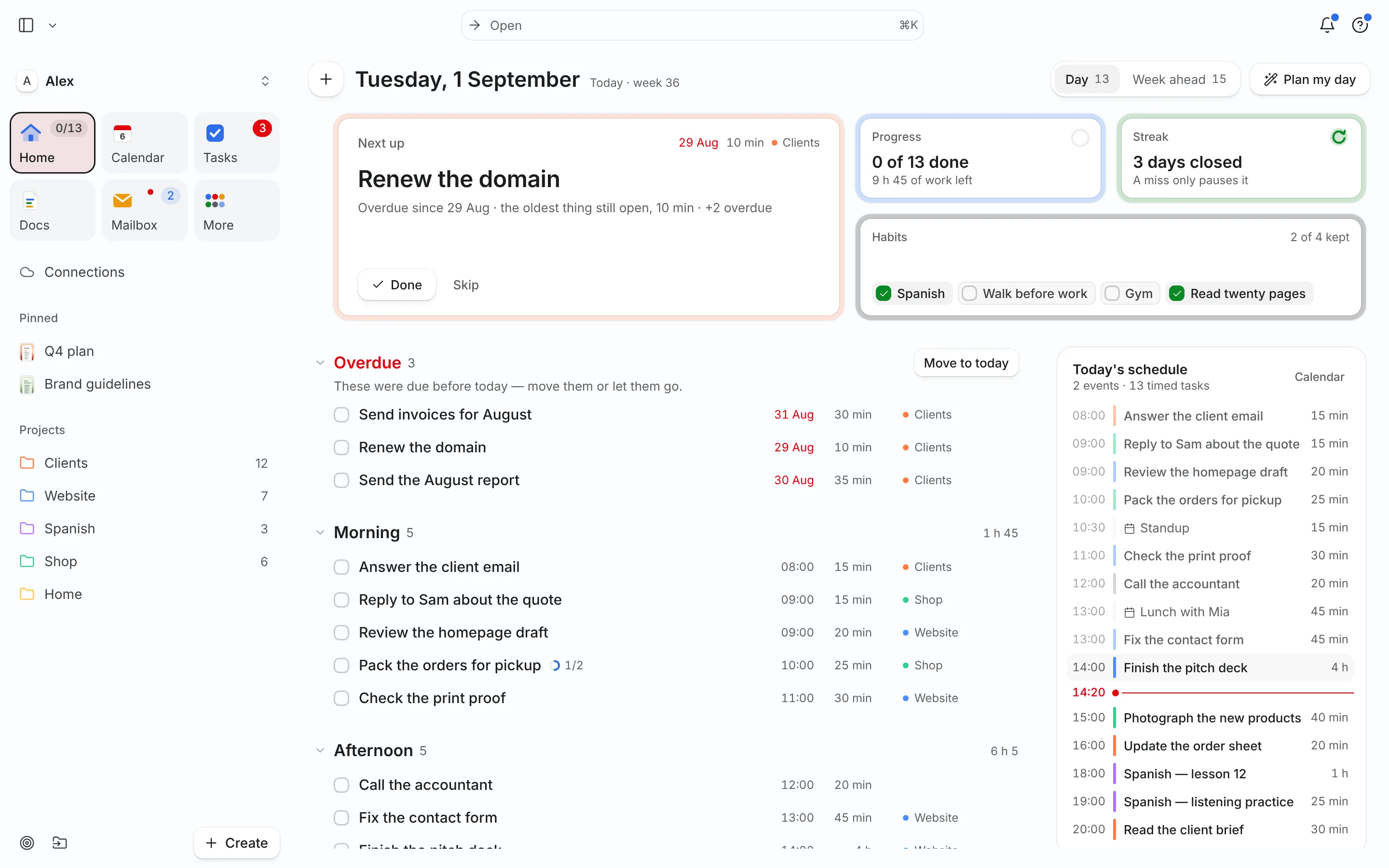
A day planned in Needt
Here is Alex’s Tuesday. Alex typed five tasks in plain language the night before. Needt placed them around two fixed events and kept a gap after each block.
- 08:30–08:45 Meds, water, open Home. One screen shows only today.
- 09:00–09:50 Website copy, first draft. High energy, so Needt placed it first.
- 10:00–10:30 Standup call (from the connected calendar).
- 10:40–11:00 Reply to landlord email. Small, low energy, right after the call.
- 13:30–14:15 Fill in the insurance form. It has a Friday deadline, so it got a slot today, not Thursday night.
- 15:00–15:25 Focus session: tidy the Shop product list.
At 10:50 the landlord email turns into a 40-minute phone call. Alex marks it done late. Needt shows what moved: the insurance form shifts to 14:00, the Shop list to 15:30. Alex taps confirm. No rewriting the list, no starting over.
What actually helps
Time you can see
Every task has an estimate, so it becomes a block with a start and an end. "Insurance form, 45 min" sits at 13:30, not floating in a list. If you’re unsure, guess and adjust next time.
A plan that bends instead of breaking
When something runs over or a meeting moves, auto-scheduling rebuilds the rest of the day and shows you what moved before anything changes. You confirm. The plan stays usable after a slip.
Energy, not just priority
Tag tasks Low, Medium or High energy. Needt puts heavy work where you have the most energy and leaves small admin for the slump.
One question instead of a review
Ask the agent "What’s overdue?" or "Re-plan my afternoon, I only have two hours left." It answers with a short plan, not a lecture.
Live in two minutes
- Sign up at use.needt.app and confirm your email. You get 14 days of Pro, free. Add a card only if you keep Pro.
- Connect one calendar (Google, Outlook, iCloud or CalDAV) so meetings block out time.
- Brain-dump three to five tasks, each with a rough estimate: "call the bank 15 min".
- Mark one task High energy and one Low.
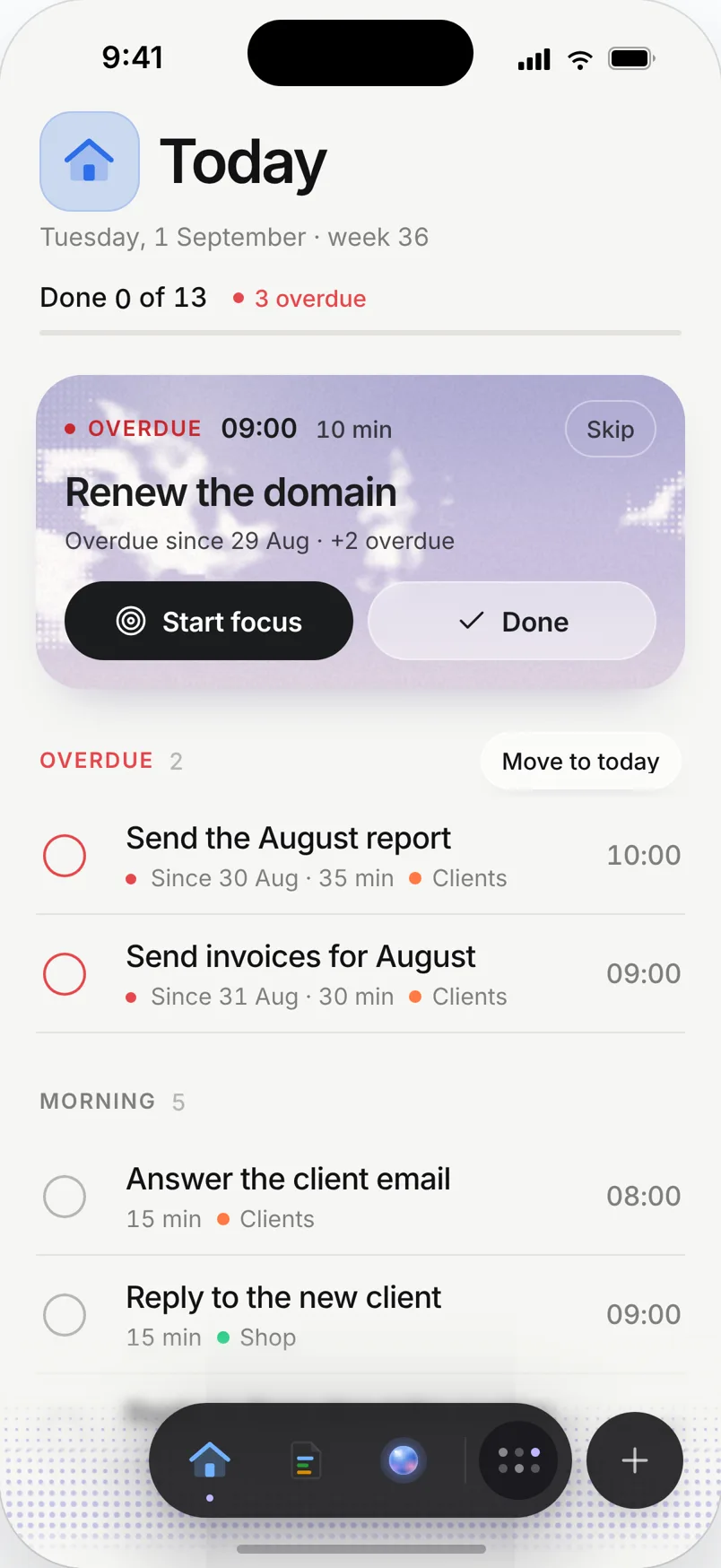
- Open Home. That’s your day. Close everything else.
Keep it small for the first week. A short plan you follow beats a perfect one you avoid. Our time blocking with ADHD guide goes deeper.
Small habits that stick
Estimate, then double it
If a task feels like 20 minutes, enter 40. Needt doesn’t judge the number; it just plans with it. After a week, look at what really ran over and adjust. Over time your estimates get closer, and the plan stops lying to you.
Leave gaps on purpose
A day packed from 09:00 to 18:00 breaks at the first phone call. Add a 30-minute "Buffer" task after lunch and another at the end of the day. When something runs over, the rebuild uses that space first.
Tomorrow, decided tonight
Spend five minutes before bed adding tomorrow’s three tasks. In the morning, the first decision is already made: open Home and start the top block. Our five-minute planning routine walks through it.
Use Habits for the non-negotiables
Meds, water, a walk. Keep them in Habits, not the task list, so they don’t compete with work for a slot.
What Needt won’t do
Needt won’t make you start. It won’t body-double, and it doesn’t send phone alarms that shout until you move; reminders and nudges are there, but they’re gentle. If you rely on a visual countdown or a friend on a call, keep those. Many people pair Needt with a focus timer or a body-doubling session for the first block of the day.
If you want a planner built entirely around visual routines and gentle structure, Tiimo and Structured lean further that way. We compare them honestly in Needt vs Tiimo and Needt vs Structured.
Where to go next
- 1-3-5 list template: one big, three medium, five small. A ceiling, not a target.
- Habit tracker for meds, water and a walk.
- Planning fallacy: why everyone underestimates, and how buffers help.
- How auto-scheduling works.
