
The problem: every client thinks they’re the only one
Client A wants revisions by Wednesday. Client B books a "quick call" that takes the whole morning. Client C sends feedback by email at 22:00. Meanwhile you still owe two invoices, a tax estimate and a proposal for a lead that might become Client D.
Your to-do list has all of it. What it doesn’t have is time. Revisions take three hours whether or not you planned them, and the work you don’t schedule ends up in the evening. The admin that pays you, invoicing and follow-ups, slides to the end of the month.
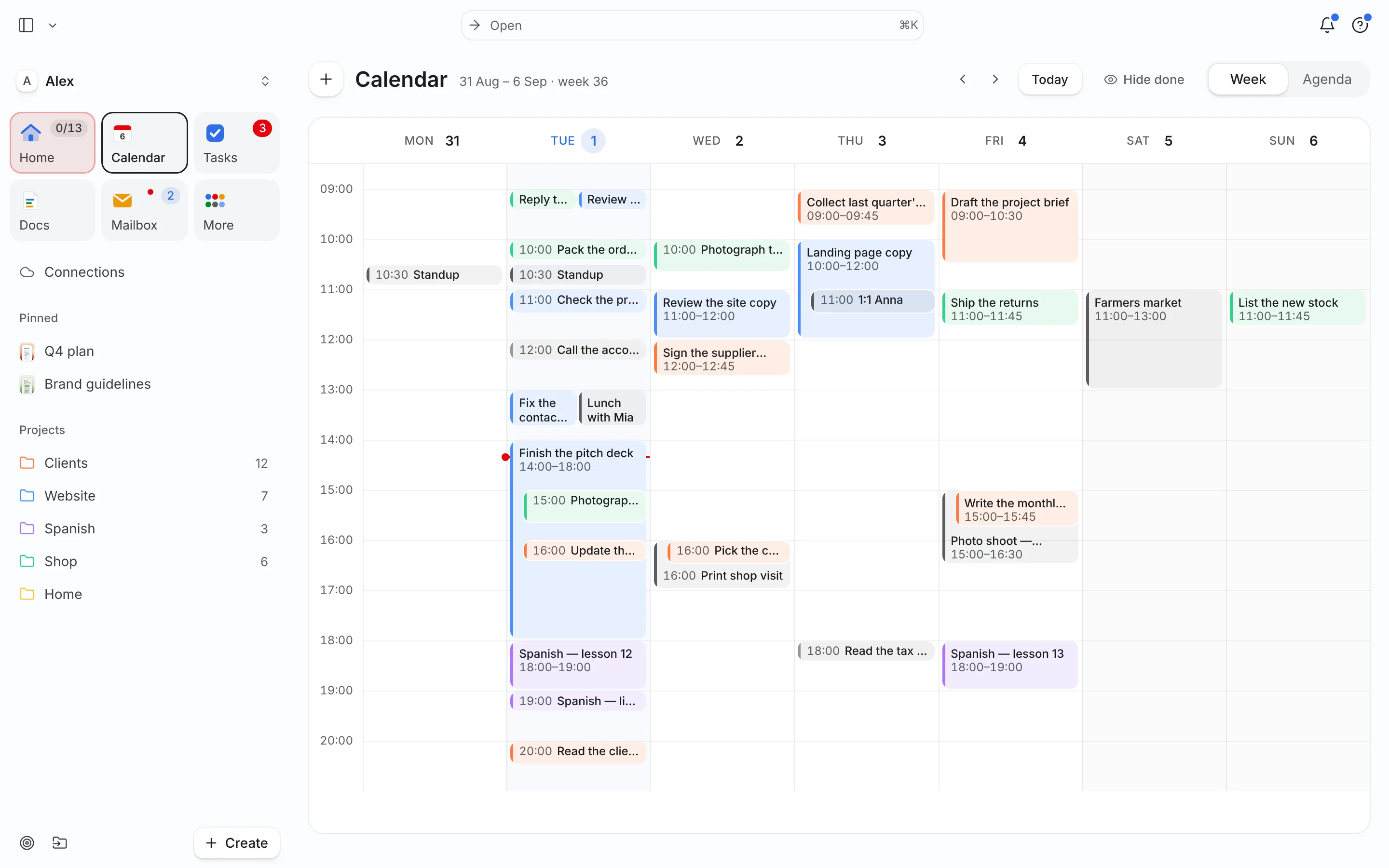
A week planned in Needt
Alex runs a small design-and-copy practice with three active clients, kept as projects under #Clients.
- Monday 09:00–12:00 Northwind homepage revisions. Deadline Wednesday, so Needt put it first.
- Monday 14:00–14:30 Discovery call with a new lead, booked through Alex’s booking page.
- Tuesday 09:00–11:00 Harbor brand copy, part 1 of 2.
- Tuesday 16:00–16:45 Invoices for October. A fixed admin block Alex adds every Monday morning.
- Wednesday A client email arrives: "Can you also resize the banners?" Alex turns it into a task, 45 minutes, due Friday. Needt finds a slot Thursday at 15:00.
- Friday 15:00–15:45 Weekly review: what’s billable, what’s late, what’s next.
When Client B moves their call from Tuesday to Wednesday at 10:00, Needt shifts the Harbor copy part 2 to Wednesday afternoon and shows the change. Alex confirms in one tap.
Features, freelancer edition
Client time budget
Every task has an estimate, and each client is a project. Look at the week and you can see whether Northwind is getting 9 hours or 3, before you agree to the extra scope.
Inbox to task
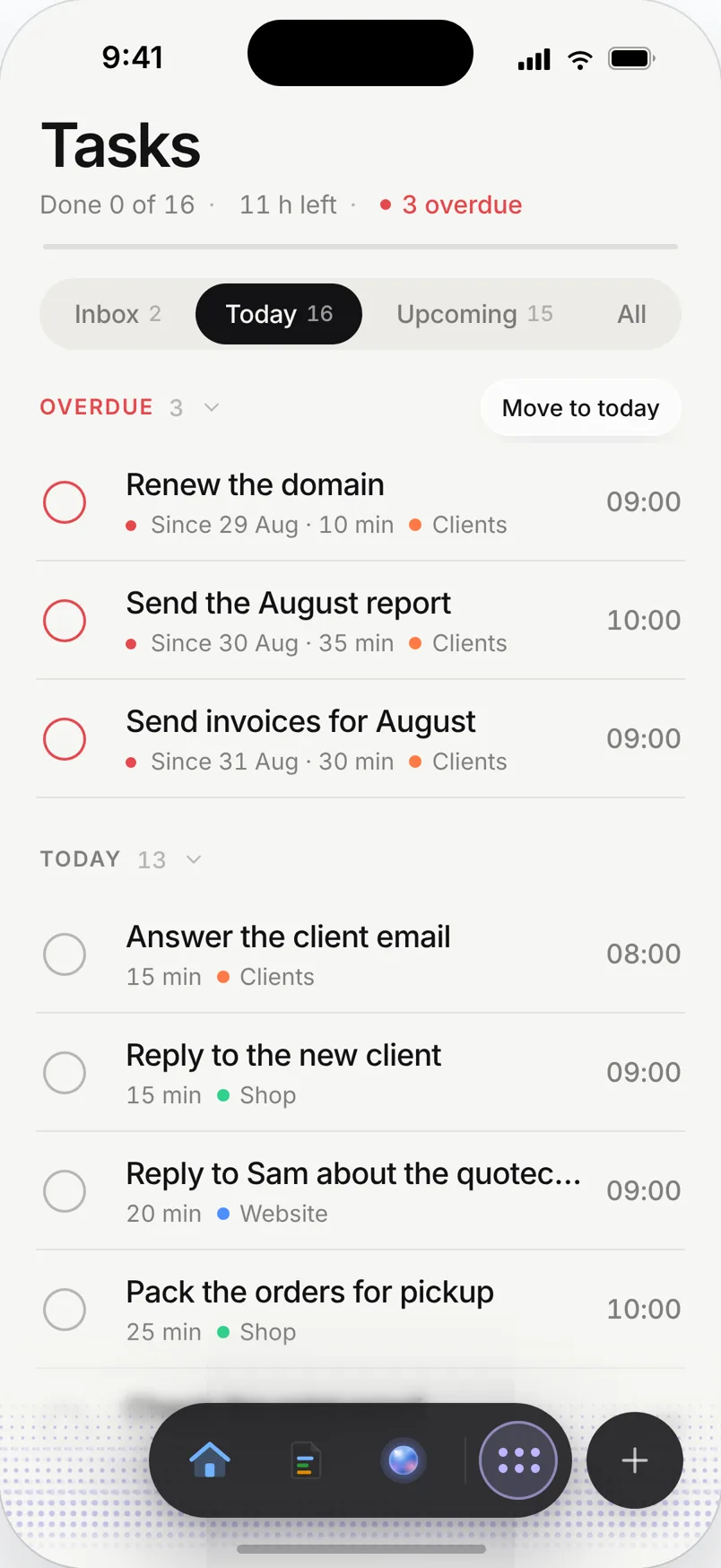
Connect Gmail, Outlook or IMAP. Open a client email and Needt suggests the task: title, estimate, deadline. Pro handles up to three mailboxes, so a work and a personal address both fit.
Booking page
Share one link for discovery calls. Bookings land on your calendar and the rest of the week reflows around them.
Project docs
Keep the brief, scope and feedback rounds in a doc linked to the client project. When the client asks "what did we agree?", it’s one click away.
Live in two minutes
- Sign up at use.needt.app. You get 14 days of Pro, free. Add a card only if you keep Pro.
- Connect your work calendar and your work mailbox.
- Create one project per client.
- Add this week’s deliverables with estimates and deadlines.
- Add a 45-minute "Invoices + follow-ups" task for Tuesday so admin has a slot too.
Coming from Todoist? Import your export under Settings → Data → Import & export; titles, due dates and projects come along.
Three weeks every freelancer knows
The scope creep week
A client asks for "a few extra pages". Before replying, add them as tasks with honest estimates. If the week view shows the work landing on Saturday, you have your answer, and a reason to quote a new deadline or a new fee.
The feast week
Two projects start the same Monday. Put both deadlines in and let Needt lay them out. Where they collide, you’ll see it on day one instead of day four, and you can tell one client "Thursday" instead of "Tuesday" while there’s still time.
The famine week
No client work booked. Use the space for the business: portfolio, outreach, a proposal template. Give those tasks deadlines too, or they’ll stay "someday" until the next busy week.
Month-end
Add "send October invoices" with a deadline of the 1st, and a reminder for payment follow-ups two weeks later. Needt doesn’t do the invoicing, but it makes sure the hour for it exists.
What Needt doesn’t do
Needt doesn’t send invoices, track billable hours or hold contracts. Keep your invoicing tool (Bonsai, FreshBooks, your accountant’s system) and use Needt to make sure the invoicing actually happens. There’s no client portal either: clients don’t log in to Needt to see progress. If you need billable time reports, pair Needt with a time tracker such as Toggl.
Where to go next
- Weekly review template, Friday afternoon, 30 minutes.
- Project timeline template for multi-week client work.
- Task batching: all client emails in one block.
- Needt + Gmail for email-to-task.
- Needt vs Motion if you’re comparing auto-schedulers.
