
use.needt.app
Needt
on the web
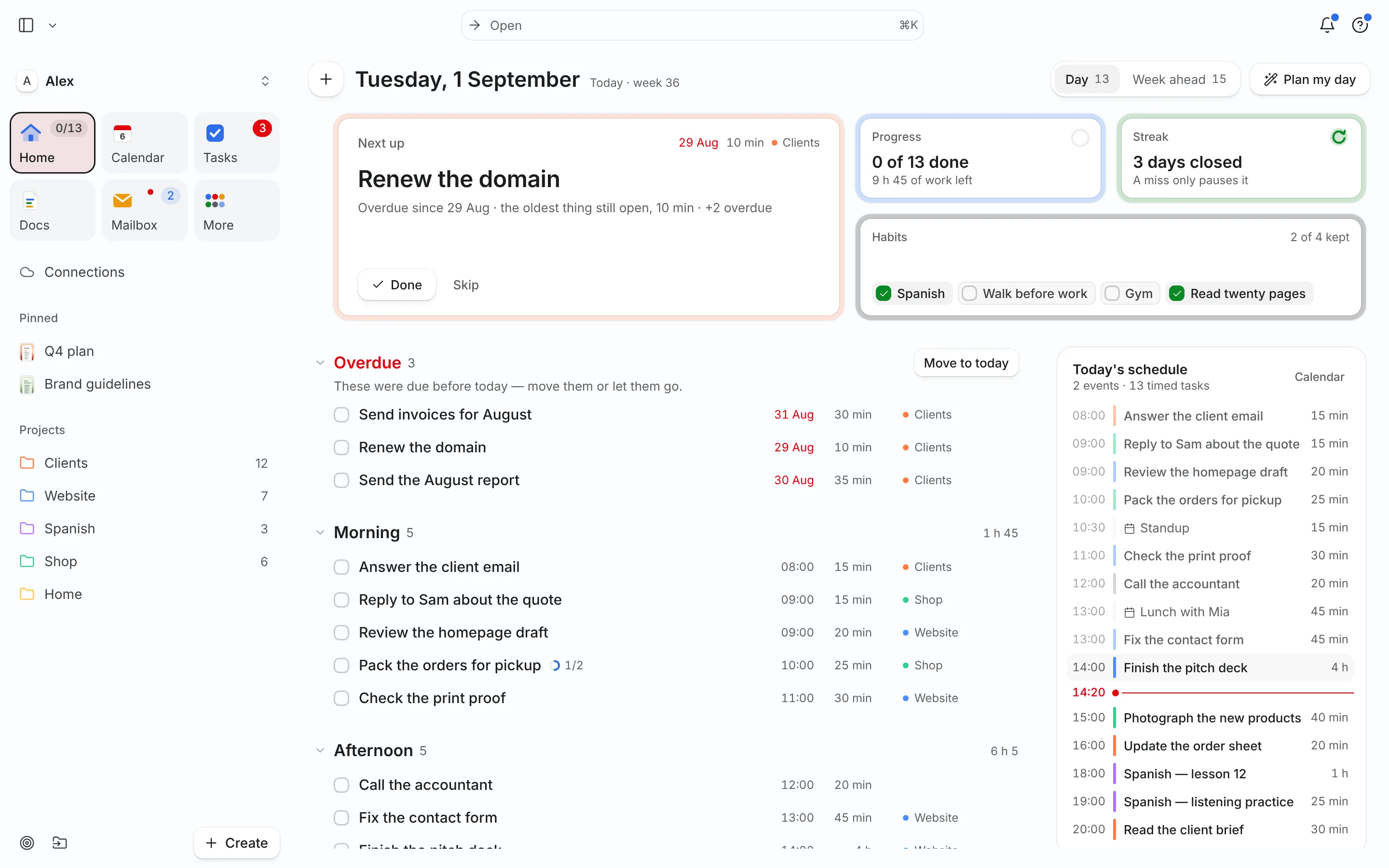
Everything Needt does, in any browser — nothing to install. Your tasks, calendars, docs and mail in one place, on any computer.
Install it from the browser for its own window and Dock icon.
Open NeedtInstall it as an app
- Chrome or Edge: the install icon in the address bar.
- Safari on a Mac: File → Add to Dock.
- Windows: Edge → ⋯ → Apps → Install.
Needt
for Mac
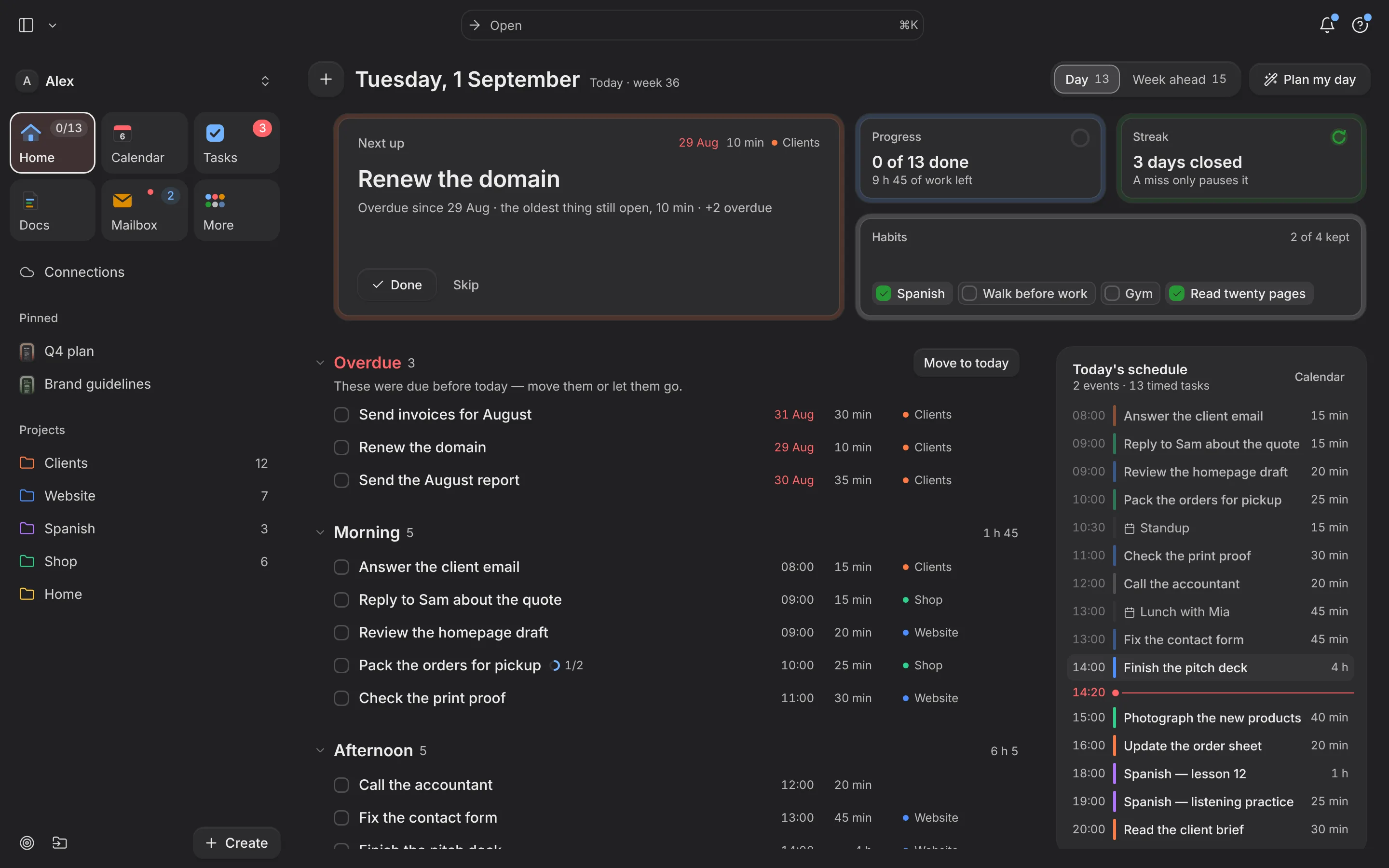
A native Mac app with its own window, menu-bar quick add and offline notes. Same account, same day.
In the works · end of November0%
Use it on a Mac today
- Open use.needt.app in Safari.
- File → Add to Dock.
- Needt opens in its own window.
Needt
for iPhone
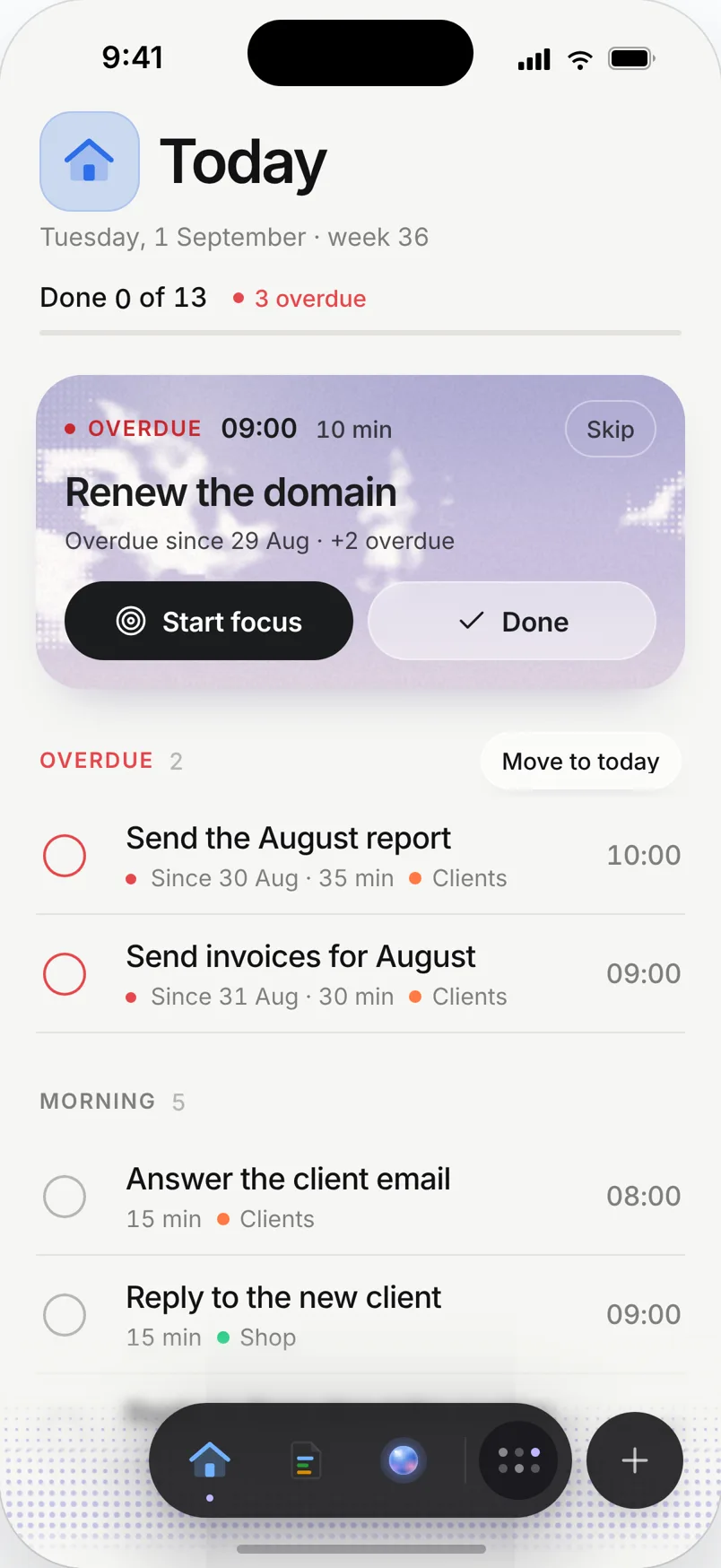
Today, Calendar and quick capture in your pocket, with widgets and notifications.
In the works · end of November0%
Use it on iPhone today
- Open use.needt.app in Safari.
- Tap Share → Add to Home Screen.
- Open Needt from the new icon — full screen, with notifications.
Windows and Android: use the web app and install it from Edge or Chrome. Native apps come after Mac and iPhone.
