
The problem: a hundred small things
Renew the car insurance. Book the kids’ dentist. Return the parcel before the 30-day window closes. Pay the electricity bill. Call about the broken dishwasher. Send grandma the photos. None of them takes long, and all of them sit in your head at 23:00.
Work has a calendar. Life admin has a notes app with 37 items and no dates. It gets done in panic, the day before the deadline, or not at all, with a late fee.
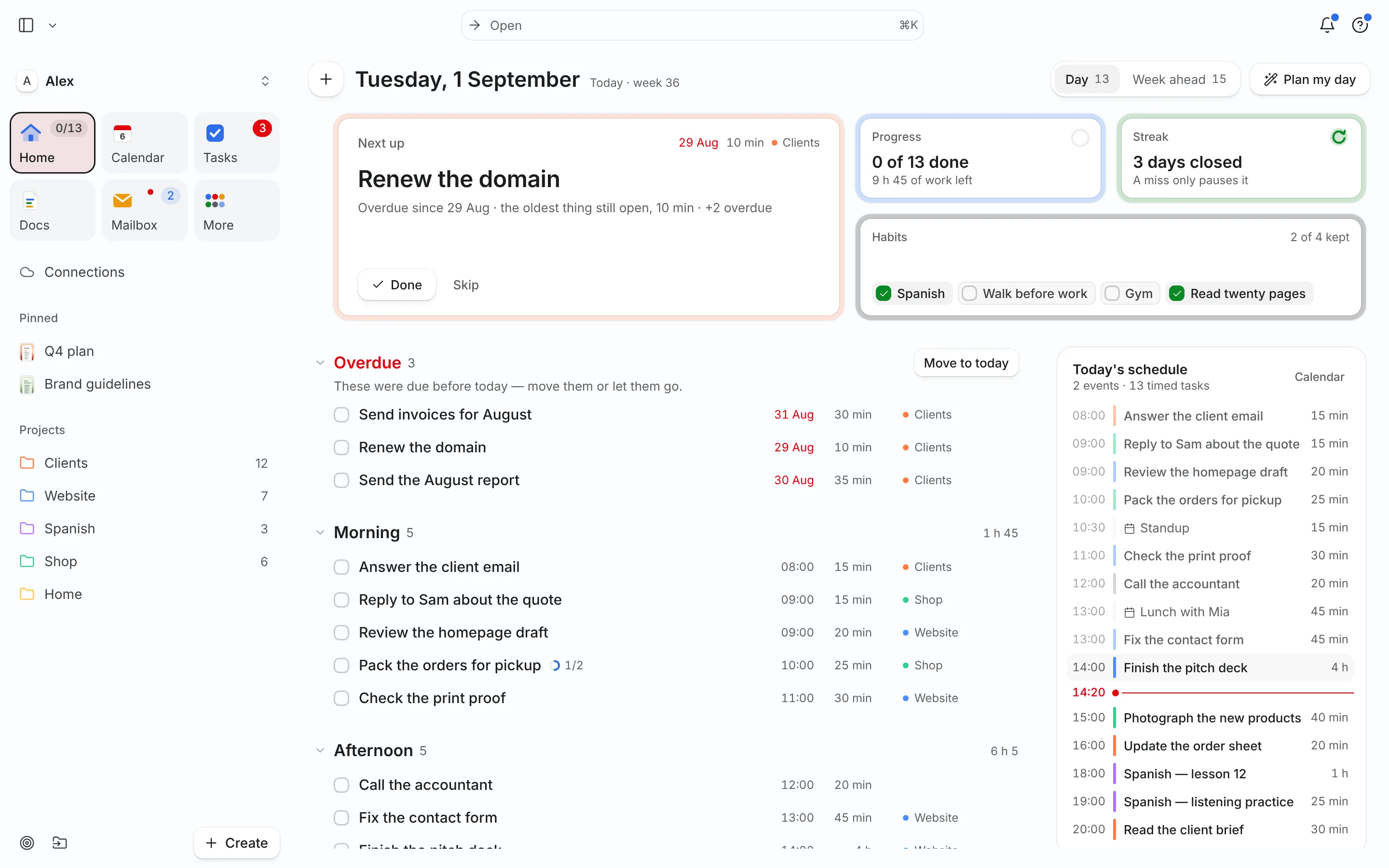
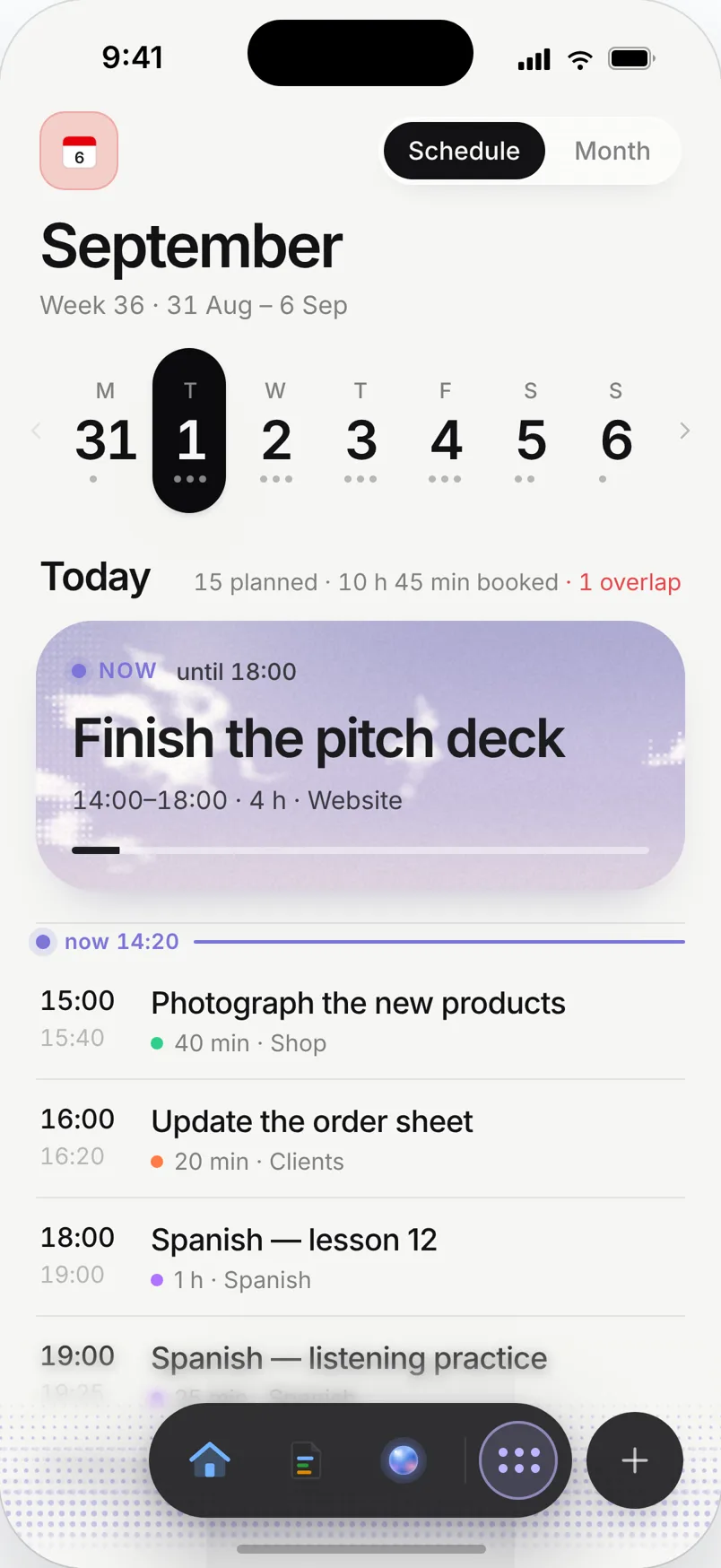
A week planned in Needt
Alex works full time, has two kids and a Home project in Needt.
- Monday 12:30–12:45 Pay electricity bill (due Wednesday). Lunch-break slot.
- Tuesday 18:30–18:50 Return parcel: print label. Drop-off placed with Wednesday’s grocery run.
- Wednesday 17:30–18:15 Groceries + post office, one trip.
- Thursday 08:15 Kids’ dentist (from the shared family calendar).
- Thursday 20:00–20:40 Compare car insurance quotes, due Oct 31.
- Saturday 10:00–10:30 Weekly home review: what’s due next week.
On Wednesday a work call runs late. Needt moves the grocery trip to 18:30 and keeps the parcel drop-off with it. Alex confirms on the phone.
For the home front
Deadline reminders
Add "renew passport by Dec 1" once. Needt schedules the time to do it, with a reminder before, instead of a single alarm on the day.
Errand batching
Tag tasks with a context like @errands and plan them as one trip. Fewer drives, fewer forgotten stops.
Family calendar in view
Connect the calendar your family shares (Google, iCloud, Outlook or CalDAV) so school events and appointments block time for you too. Pro connects more than one calendar, so work and family can sit side by side.
The household doc
Keep the Wi-Fi password, the plumber’s number and the insurance policy numbers in a Docs folder called Home. Searchable when you need it.
Live in two minutes
- Sign up at use.needt.app on your phone and install it as an app from the browser.
- Connect your personal or family calendar.
- Create a Home project.
- Empty your head: add every life-admin item you can think of, with a rough estimate and a deadline where there is one.
- Let Needt place this week’s items. Leave the rest undated.
Add a few routines to Habits, like watering plants or a weekly budget check.
Life, in seasons
Moving house
Change of address, utility contracts, deposit, packing. Make a project called Move, add everything with deadlines tied to the moving date, and let Needt spread it across the weeks before.
Back to school
Forms to sign, supplies to buy, the first parent evening. Add them as one batch in late August, and they arrive as small tasks on the right days instead of one stressful weekend.
Tax season
Collecting receipts, filling in the return, booking the accountant. Break it into steps of 30 to 60 minutes with the filing deadline on all of them.
Trips
Passports, travel insurance, a pet sitter, out-of-office. Put the departure date as the deadline. Add a packing list as a doc linked to the trip.
What Needt doesn’t do
Needt doesn’t pay bills, store documents as a vault or share a to-do list with your partner. There’s no shared family task list where both of you tick things off. If you split chores, keep a shared list in an app built for that and put your own part in Needt. For passwords, use a password manager, not a doc.
Where to go next
- Habit tracker template.
- Weekly planner template for the Sunday look-ahead.
- Needt + iCloud calendar for family calendars on iPhone.
- Getting Things Done: the capture habit that makes this work.
