
Where the weekly review comes from
The weekly review is a core habit of Getting Things Done (GTD), the method David Allen published in 2001. Allen calls it the “critical success factor” for making the system stick (David Allen on the Weekly Review). His official checklist groups the steps into three phases: Get Clear, Get Current and Get Creative (GTD Weekly Review checklist, PDF).
You don’t need to adopt all of GTD to benefit. The review works with any planner, because its job is simple: make sure nothing important is hiding, then decide what next week is for.
The 30-minute review, step by step
Get clear (10 min)
- Collect loose ends (3 min). Notes on paper, screenshots, voice memos, sticky notes. Turn each into a task or delete it.
- Get inboxes to zero-ish (5 min). Not answering everything; deciding. Each email that needs action becomes a task with an estimate. Archive the rest.
- Empty your head (2 min). Write down anything still nagging: “call landlord”, “renew domain”.
Get current (12 min)
- Look back at last week’s calendar (3 min). Any meeting that created a follow-up you didn’t capture?
- Look ahead two weeks (3 min). Deadlines, trips, birthdays. Each one that needs prep gets a task now.
- Check every active project (4 min). Each should have at least one next action. A project with no next action is stuck.
- Check waiting-fors (2 min). Who owes you a reply? Add a follow-up task for anything older than a week.
Get creative (8 min)
- Scan your someday list (3 min). Anything ready to become real? Anything to delete?
- Pick next week’s top three (5 min). Three outcomes, not thirty tasks. These get the best slots when you plan your week.
Worked example: Alex’s review
Alex reviews on Friday 16:00–16:45, but this week a client moved it to Tuesday 17:00. What came out of 32 minutes:
| Step | Found | Action |
|---|---|---|
| Loose ends | Photo of whiteboard from Monday | 2 tasks: “Website: new nav labels, 30 min”, “Clients: send moodboard v2, 45 min” |
| Inbox | 14 emails needing a decision | 3 tasks, 11 archived |
| Last week | Promised the printer a file by “early next week” | Task due Monday, 20 min |
| Next two weeks | Spanish exam on the 27th | Two 45-min revision tasks per week |
| Projects | Shop has no next action | “Shop: draft autumn product list, 60 min” |
| Waiting for | Client hasn’t approved quote (9 days) | Follow-up email task, Wednesday |
| Top three | 1. Ship homepage v1. 2. Approve and invoice the logo project. 3. Two Spanish revision sessions. | |
The 10-minute emergency version
Some weeks you won’t have 30 minutes. Don’t skip; shrink. This version keeps the parts that prevent dropped balls:
- Calendar back (2 min). Scan last week’s meetings for promises you made.
- Calendar forward (3 min). Scan the next 14 days for deadlines that need prep.
- Inbox triage (3 min). Star or task only what needs action this week.
- Top three (2 min). Write next week’s three outcomes.
Do the full review the following week. Two emergency versions in a row are a sign the review slot itself needs to move. If you prefer to see review and planning on one page, the weekly planner has room for both.
Common mistakes
- Doing the work during the review. Answering emails turns 30 minutes into three hours. Capture now, do later.
- Skipping the look-back. Most dropped balls come from last week’s meetings, not next week’s.
- Picking ten priorities. Ten is a list. Three is a plan.
- Reviewing when exhausted. Friday 18:00 after a long week rarely works. Try Friday 15:00 or Monday 08:30.
- Making it perfect. A rough 20-minute review every week beats a perfect 90-minute one once a month.
How to do it in Needt
- Use the template. Copy the weekly review template into Docs and link it to your projects. Keep one page per week.
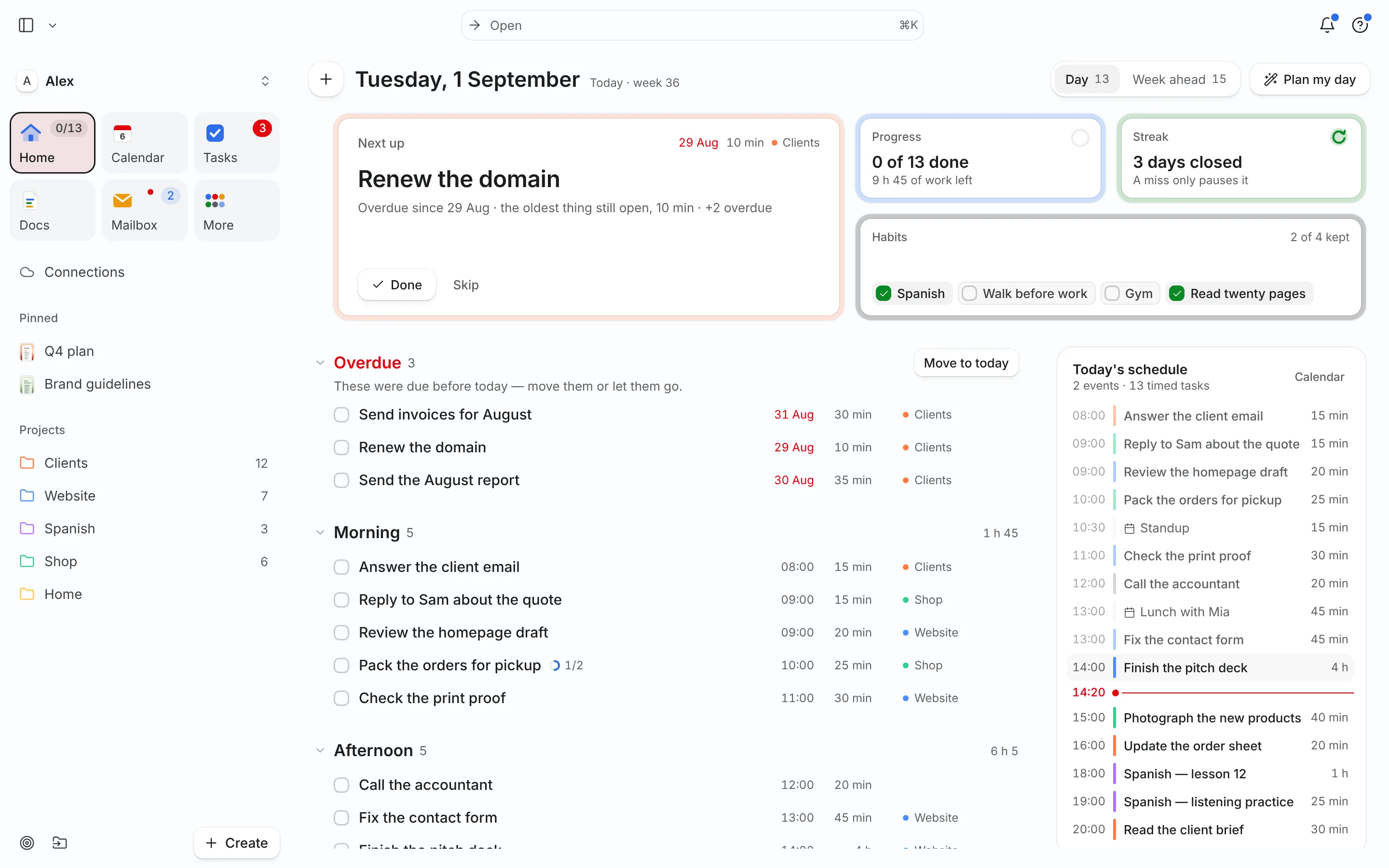
- Turn emails into tasks. With Gmail, Outlook or IMAP connected, open an email and let Needt suggest the task.
- Check projects in Workspace. List or Kanban view grouped by project shows which projects have no open task.
- Ask the agent for the look-back:
What’s overdue, and which projects have no task scheduled next week?
List everything I completed this week, grouped by project.
Then auto-schedule next week’s top three first so they get the best slots. Prefer a lighter method? The Ivy Lee method and 1-3-5 list both pair well with a weekly review.
