
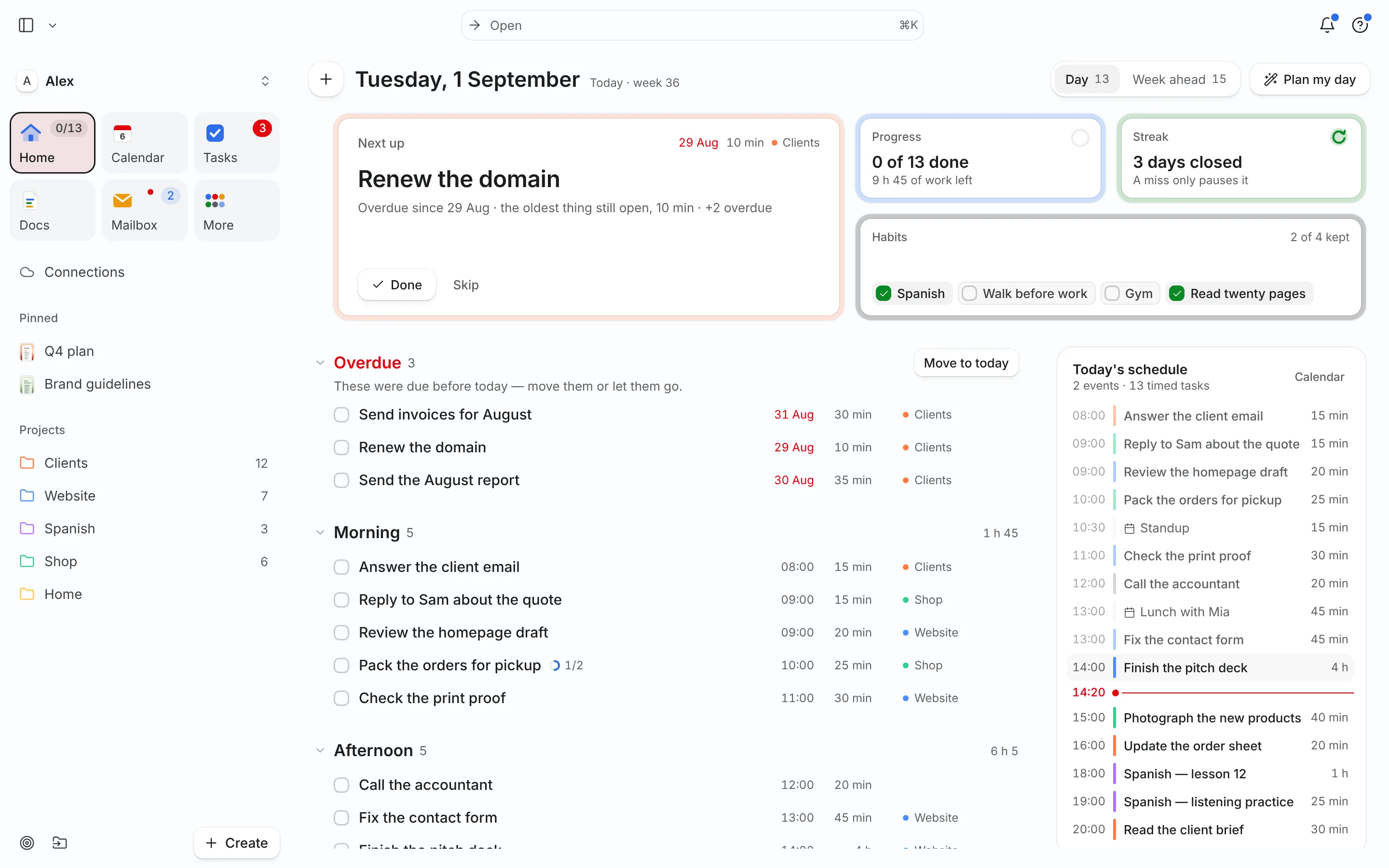
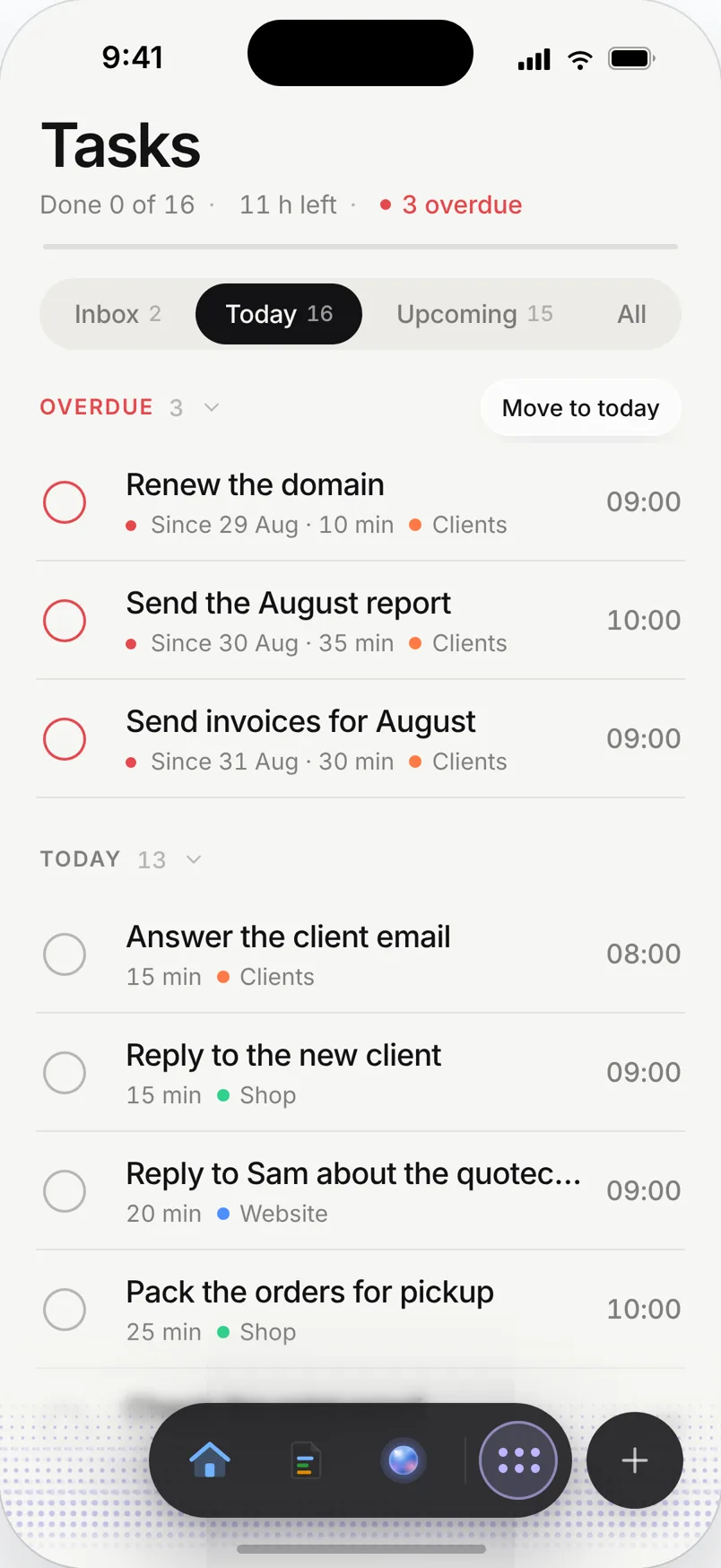
The problem: the shop runs you
You open at 10:00. Before that: a supplier delivery, a staff member calling in sick, a customer email about an order that hasn’t shipped. During opening hours you’re on the floor or with clients. After closing you finally sit down to do the books, reorder stock and update the website, at 20:00, tired.
The work that grows the business never gets a slot because the work that runs it takes every gap. Sticky notes by the till don’t fix that.
A day planned in Needt
Alex runs a small shop with an online store, open Tuesday to Saturday 10:00–18:00.
- 08:30–09:00 Check orders, turn two customer emails into tasks.
- 09:00–09:30 Supplier call: winter stock (booked through the booking page).
- 09:30–09:50 Pack and label three online orders.
- 10:00–18:00 Shop open. A blocked event, so nothing gets scheduled on the floor.
- 13:00–13:20 Quiet hour task, low energy: reply to the wholesale inquiry.
- 18:15–19:00 Bookkeeping: receipts for the week, due Friday.
- 19:00–19:30 Write this week’s newsletter draft.
The delivery arrives at 09:15 instead of 08:45. Needt moves order packing to 13:00 and the wholesale reply to 18:15, and pushes the newsletter to tomorrow morning. It shows the change; Alex confirms with one tap and gets back to the delivery.
Owner essentials
Plan around opening hours
Put opening hours or client appointments in your calendar as busy time. Needt only schedules business admin in the time around them.
Customer emails become tasks
Connect the shop inbox. When a customer asks about an order, Needt suggests a task with a deadline, so it doesn’t sink under newsletters.
Booking page for suppliers and clients
One link for supplier calls, consultations or fittings. Bookings land on your calendar and the plan adjusts.
A shop handbook in Docs
Keep supplier contacts, reorder lists and opening procedures in Docs, organized in folders and searchable.
Live in two minutes
- Sign up at use.needt.app and connect the calendar with your opening hours and appointments.
- Connect the shop’s email inbox.
- Create projects: Shop, Online, Admin.
- Add tomorrow’s five must-dos with estimates: "reorder candles 20 min", "VAT receipts 45 min by Fri".
- Open Home tomorrow morning and work the list top to bottom.
Shops, studios and small agencies
Seasonal rush
December or summer season: more orders, longer hours. Add deadlines for stock orders weeks ahead, so reordering doesn’t depend on remembering it between customers.
Appointment-based businesses
A salon, a studio or a consultancy runs on appointments. Keep them in the calendar you connect, and Needt puts admin into the gaps: a 20-minute slot between clients is enough for supplier emails.
A small agency
The owner is account manager, project lead and bookkeeper. Projects per client, a booking page for new leads, and Friday bookkeeping as a task with a deadline. The team keeps their own tools; you keep the overview of your own week.
Quiet days
When the shop is slow, open Needt and ask what you can do in the next hour. The agent picks something useful from your list instead of letting the time go to scrolling.
What Needt doesn’t do
Needt is a personal planner for the owner, not a shop system. It doesn’t do staff rotas, point of sale, inventory, invoicing or bookkeeping, and there’s no team chat or task assignment for employees. Keep your POS, your accounting software and your rota tool. Use Needt to plan your own day, including the time you spend in those tools. If your whole team needs a shared task board, a team tool will serve you better there.
Where to go next
- Daily planner template for the morning before opening.
- Eisenhower matrix to separate urgent from important.
- Meeting notes template for supplier calls.
- Needt + Outlook calendar.
