
The problem: the day has no edges
There’s no commute to start the day or end it. You open the laptop at 08:00 to "just check messages" and close it at 19:30. In between: five video calls, threads in three channels, a doc to review and the real work squeezed into whatever’s left. Lunch happens at the desk.
Async work sounds flexible, but without a plan it fills every hour. Remote work doesn’t need more discipline. It needs a plan with a start, breaks and an end.
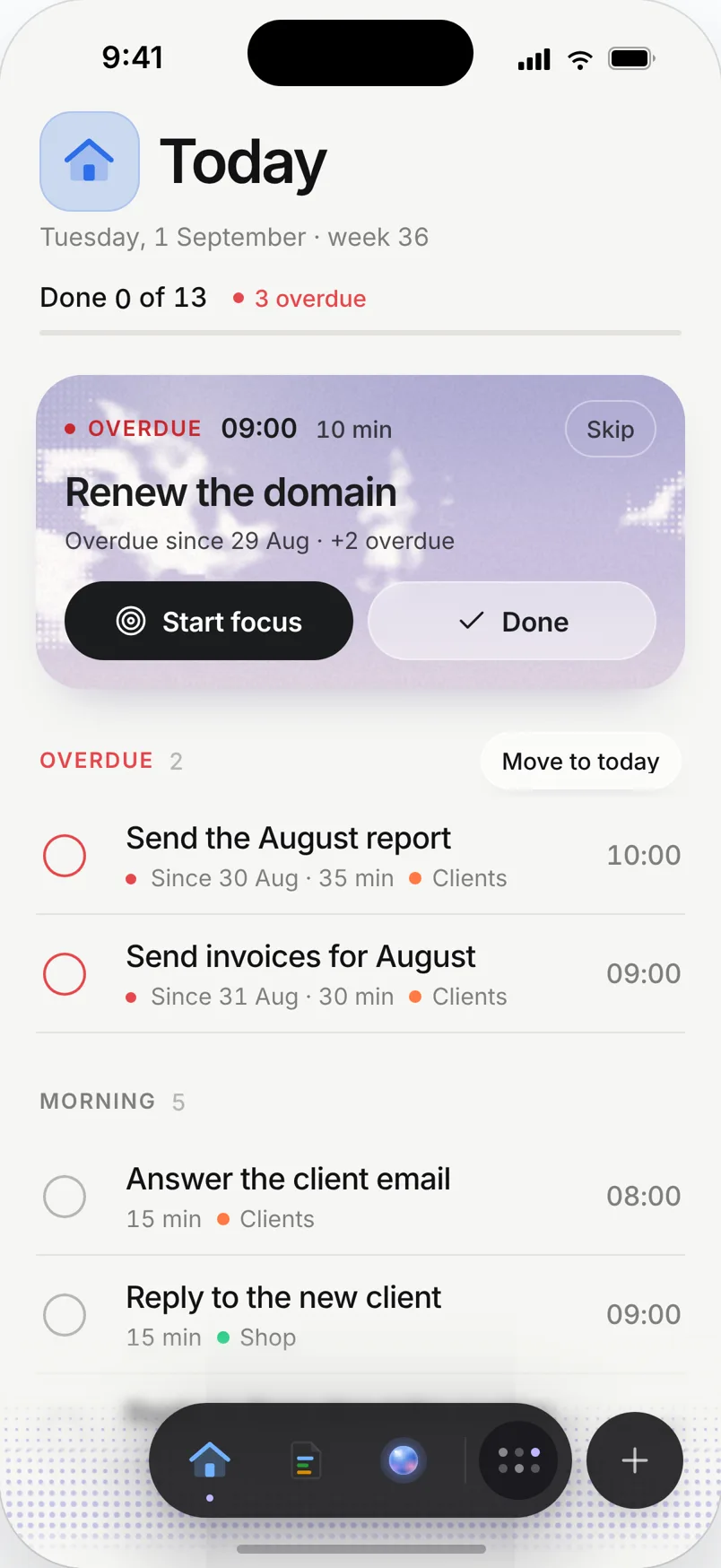
A day planned in Needt
Alex works remotely on a distributed team. Calls come from Outlook.
- 08:45–09:00 Plan the day in Home. Messages after, not before.
- 09:00–11:00 Focus: quarterly report draft.
- 11:00–11:15 Break: walk around the block.
- 11:15–12:00 Async block: reply to threads, review two docs.
- 12:00–13:00 Lunch away from the desk.
- 13:00–15:00 Three video calls (from the calendar).
- 15:15–16:15 Report: charts and edits.
- 16:15–17:00 Wrap-up: write tomorrow’s top three, close the laptop.
The 14:00 call runs to 15:30. Needt moves the report edits to 15:40, trims nothing from the wrap-up and pushes the second doc review to tomorrow. The day still ends at 17:00.
Remote work, planned
Meeting-aware focus
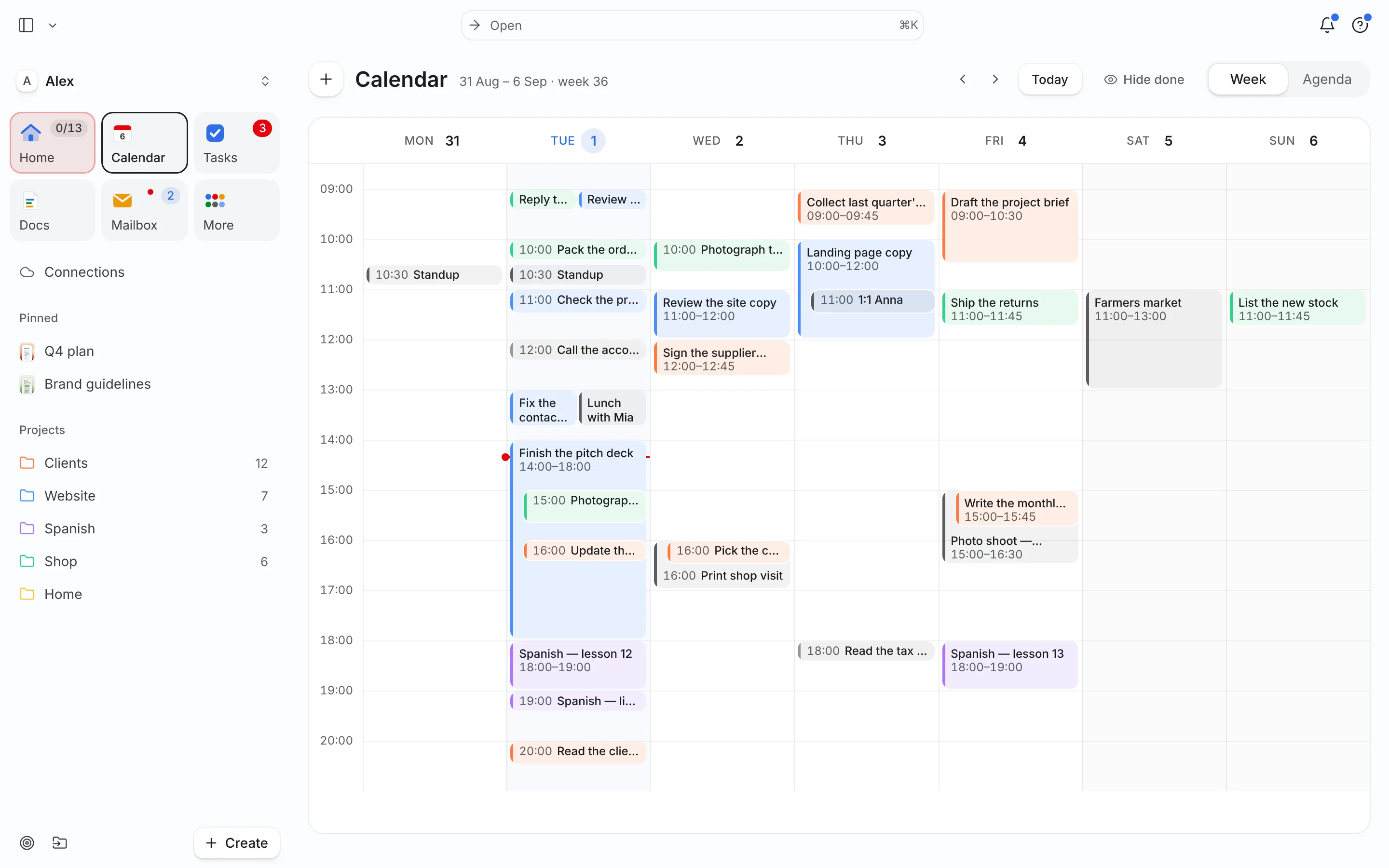
Connect your work calendar. Needt finds the longest gaps between calls and puts your High-energy work there.
Breaks and a stop time as tasks
Add a walk, lunch and a wrap-up as short tasks. They get slots like everything else, so they’re on the plan and not an afterthought.
Work and personal side by side
On Pro, connect both your work and personal calendars. The school pickup and the 16:00 meeting show in one view, so Needt never plans over either.
Focus sessions
Start a focus session for each deep-work block. Focus stats show whether the week had real deep work or only calls.
Live in two minutes
- Sign up at use.needt.app and install it on your desktop from the browser.
- Connect your work calendar: Google or Outlook/Microsoft 365.
- Add one deep-work task for today with a 2-hour estimate.
- Add lunch, a 15-minute break and a 30-minute wrap-up.
- Open Home at the start of the day, before opening chat.
Our time blocking in Google Calendar guide shows the same idea by hand.
Remote setups, different shapes
Heavy-meeting days
Some days are mostly calls. Don’t fight it: plan one short focus block and small tasks around the calls. Put the big work on the days with fewer meetings, and check the week view on Monday to find them.
Async-first teams
Fewer meetings, more messages. Batch replies into two slots, late morning and late afternoon. The rest of the day is focus time, and colleagues still get answers the same day. See task batching.
Working from a café or a second city
Install Needt on your laptop and phone. The plan is the same everywhere, so you don’t rebuild it when you switch locations.
Parents working from home
School pickup and lunch at home are events in your personal calendar. With both calendars connected on Pro, Needt plans work around them and never books a deep-work block across pickup time.
What Needt doesn’t do
Needt doesn’t replace your team tools. There’s no team chat, no status sync with Slack or Teams, no shared project board and no video calls. It won’t set an out-of-office or block the calendar for colleagues on its own. Keep Slack or Teams for communication and your team’s project tool for shared work; use Needt for how your own day is shaped. If your company needs team-wide focus-time policies, Reclaim leans further toward that; see Needt vs Reclaim.
Where to go next
- Time-blocking schedule template.
- Parkinson’s law: why work expands without an end time.
- Needt + Outlook calendar.
- Needt vs Notion Calendar.
