
The problem: design needs long blocks
A logo exploration needs three uninterrupted hours. What you get is a 45-minute gap between a critique and a client call, plus a Slack message asking for "one tiny change" that takes an hour. References live in Pinterest, the brief in an email, feedback in a PDF, and the deadline in your head.
Design time doesn’t fail because you’re slow. It fails because the calendar fills with small things first and the deep work gets the leftovers.
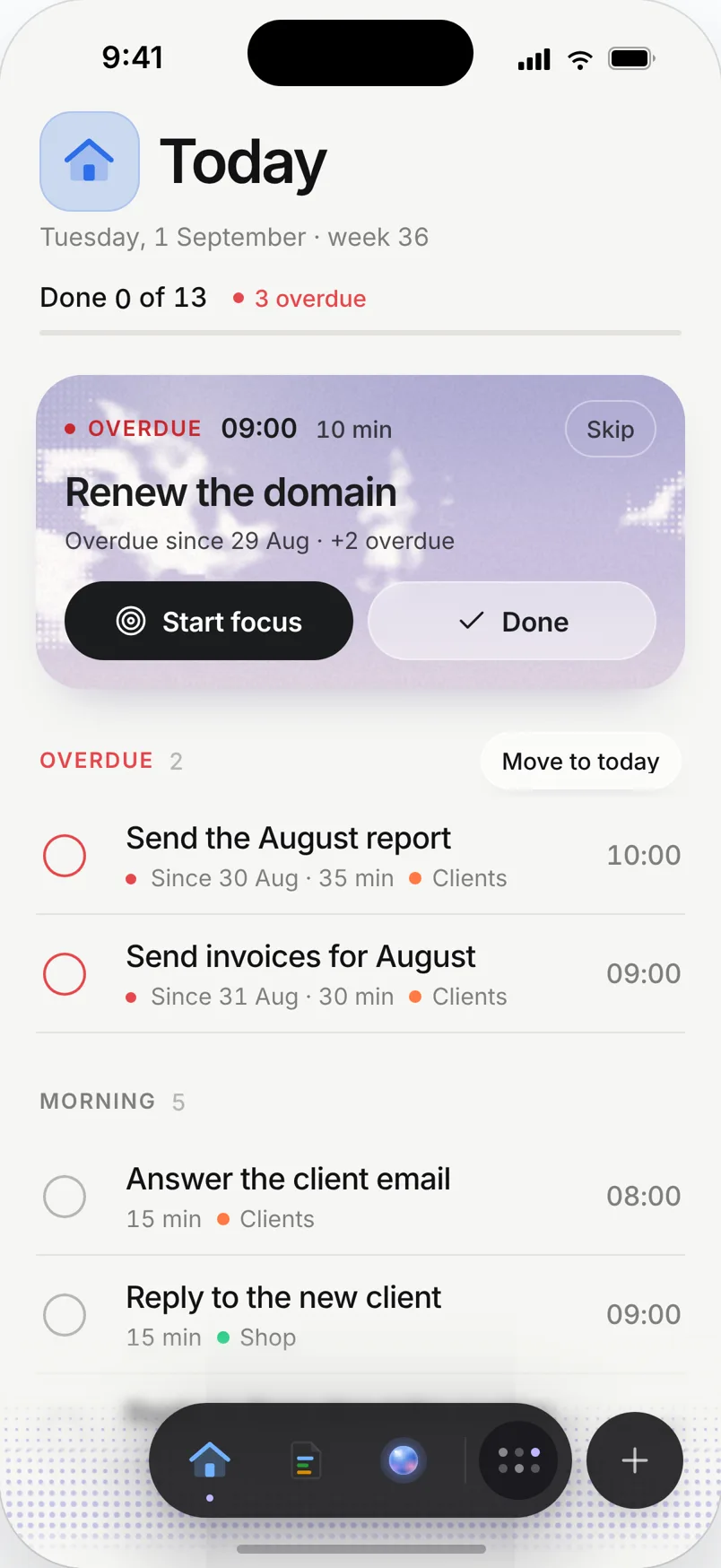
A day planned in Needt
Alex is mid-way through a rebrand for a bakery.
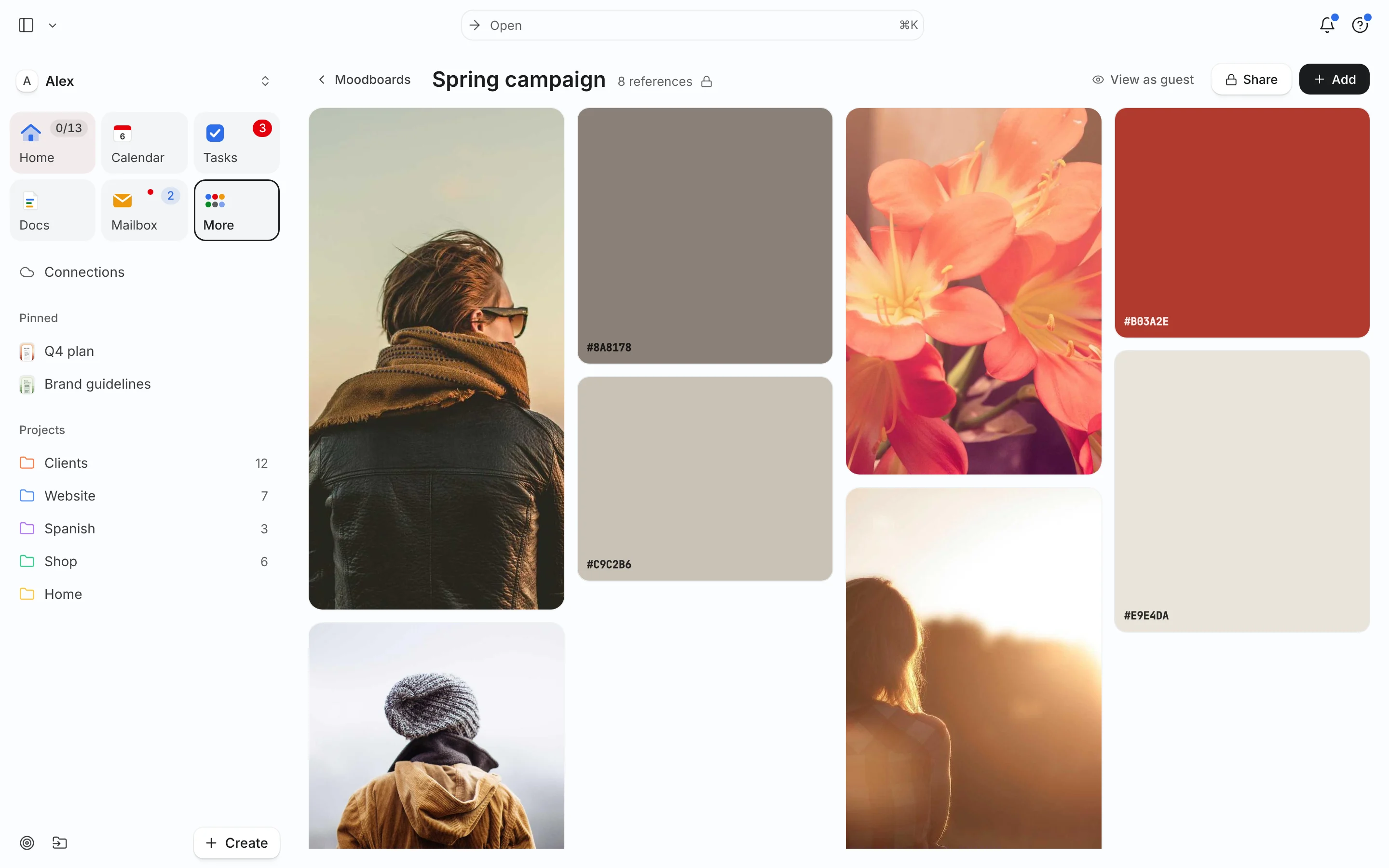
- 09:00–09:20 Open the "Bakery rebrand" board: swatches #B03A2E and #F2E6D0, five reference shots, a note: "warm, not rustic".
- 09:30–12:30 Logo exploration, round 2. High energy, focus session on.
- 13:30–14:00 Critique with the studio (from the calendar).
- 14:15–15:00 Apply feedback from yesterday’s client email. Needt suggested this task from the email.
- 15:15–16:15 Website hero layout, first pass.
- 16:30–17:00 Export files and update the brief doc.
At 11:00 the client asks to move tomorrow’s review to today at 16:00. Needt keeps the logo block intact, moves the hero layout to tomorrow morning and shows the change. Deep work stays deep.
For the way designers work
Reference boards
Boards hold images, hex swatches, notes and links. Link a Pinterest board, then share the Needt board with the client so everyone agrees on the direction before you open Figma.
Protected design blocks
Mark exploration as High energy with a long estimate. Needt puts it in your best hours and fits small fixes elsewhere. Focus sessions show how much real design time you got this week.
Feedback rounds as tasks
Turn a feedback email into a task with an estimate. Round 2 gets a slot instead of eating the evening.
Brief and decisions in Docs
Keep the brief, the font decision and the client’s sign-off in a doc linked to the project.
Live in two minutes
- Sign up at use.needt.app and connect your work calendar.
- Create a board for your current project and drop in five references and two swatches.
- Add the next design task with a long estimate ("logo round 2, 3h, High energy").
- Add the small fixes with short estimates.
- Check today: the long block should sit in your best hours.
See how to make a moodboard if you’re starting from scratch.
Studio and freelance, both covered
Many small projects
Social assets for one client, a menu for another, a slide deck for your own studio. Each gets its own project and short estimates. Needt groups small tasks into afternoon slots so the mornings stay free for exploration.
Review cycles
Before each client review, plan a prep task (export, write the rationale) the day before. After the review, the feedback email becomes round-two tasks. The pattern repeats without you rebuilding it each time.
Kickoff with a board
Start new projects with a board: ten references, three swatches, one note about the mood. Share it before you design anything. Agreeing on direction early saves a whole round of revisions.
Personal projects
The type specimen you’ve wanted to make for a year can live in Needt too. A two-hour block every Friday, High energy, with its own board. If client work crowds it out, you’ll see that in the week view.
What Needt doesn’t do
Needt isn’t a design tool. You won’t draw, prototype or hand off specs here; keep Figma for that. Boards are for references and direction, not for detailed annotation or version history of design files. There’s no proofing with pinned client comments either. If clients review work file by file, keep that in Figma or a proofing tool and use Needt for the time around it.
Where to go next
- Brand moodboard template for identity projects.
- Time-blocking schedule with long morning blocks.
- Deep work: why three hours beats three one-hour gaps.
- Context switching and what it costs a design day.
